
Community
The Community Maintenance is used to create the different types of communities. These would help in Customer Relationship Management of the Bank.
To add New Community
- From Admin menu, click System Codes, Generic definitions, and then Community. Community search page appears. All Communities available in Aura appear on the page if maintained.

- Click Add. New Community -- General (1/2) page appears.
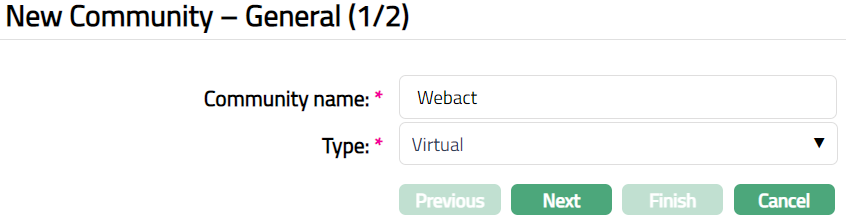
Enter Community name for Community.
Select if it is a Real or Virtual community in Type from the available drop-down list.
Click Next. New Community -- Confirmation (2/2) page appears.
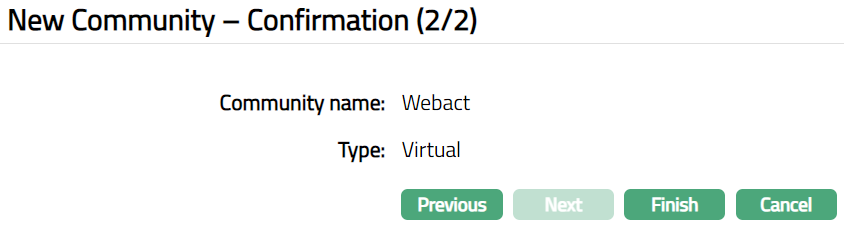
- Click Finish. Community page appears displaying the details of the Communities you added.
 Functions: Add, Search, Edit, Delete
Delete: You can delete a Community saved in Aura by a click on Delete button. Aura will ask for confirmation, on approving which the selected record will be deleted. If the record is already in use, then you cannot delete the same.
To edit Community
- Click Edit. Edit Community page appears.
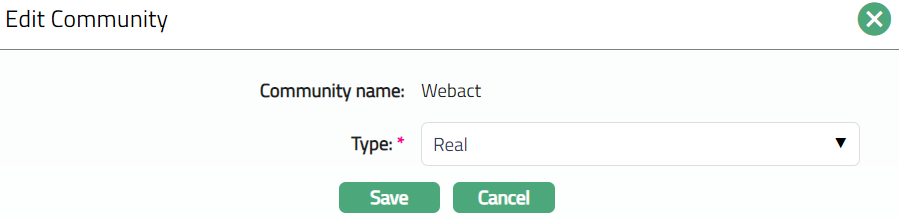
Note: Only Type field is editable.
- Click Save. Community page appears with the edited details.

Functions: Add, Edit, Delete, Search