
Link Process
Link Process allows you to link a Process workflow with another Process workflow and allows you to link the variables between the Process flows.
To add a new Link Process
- From Admin menu, click Process and then Link Process. Link Process Search page will appear.

- Click Add. Link Process -- General (1/2) page appears.

Select Process from the drop-down list of Process workflows maintained under Process Designer. For example: Person Creation.
Select Task from the drop-down list defaulted from Process Designer. It is the task maintained under the Process flow selected in the above field.
For example: Process workflow = Person creation,
Task = New Person Details 1 of 4
- Click Next. Link Process -- Confirmation (2/2) page appears.

- Click Finish. Link Process Maintenance page appears with the added details.
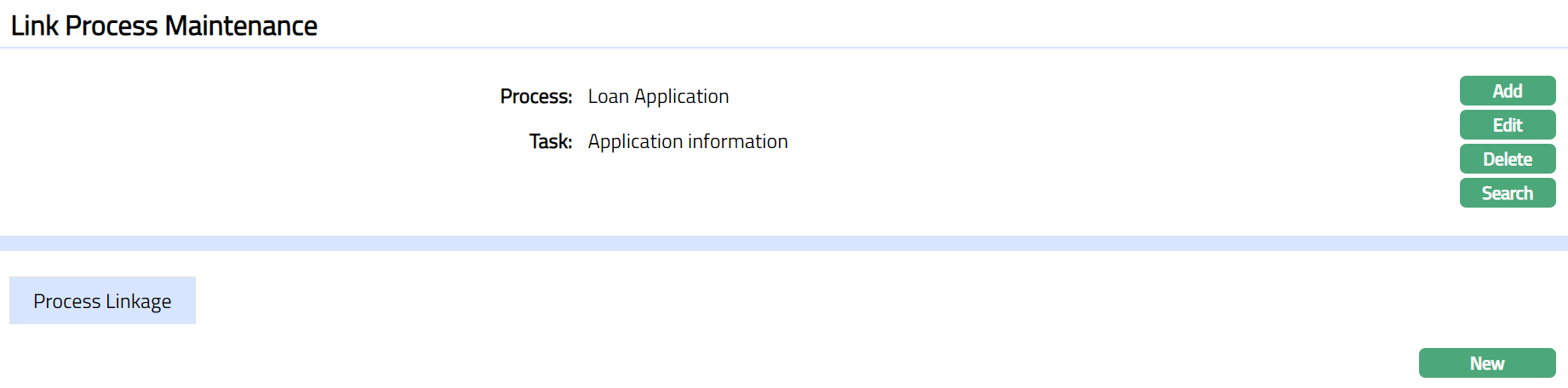
Functions: Add, Edit, Delete, Search
To edit Link Process
- Click Edit. Edit Link Process page appears.
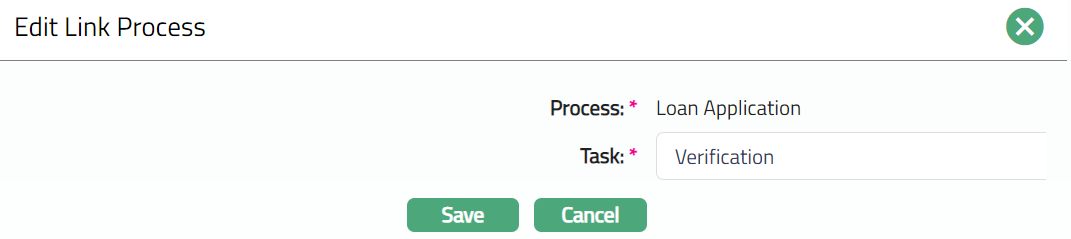
Note: Only Task Field is editable.
- Click Save. Link Process Maintenance page appears with the edited details.
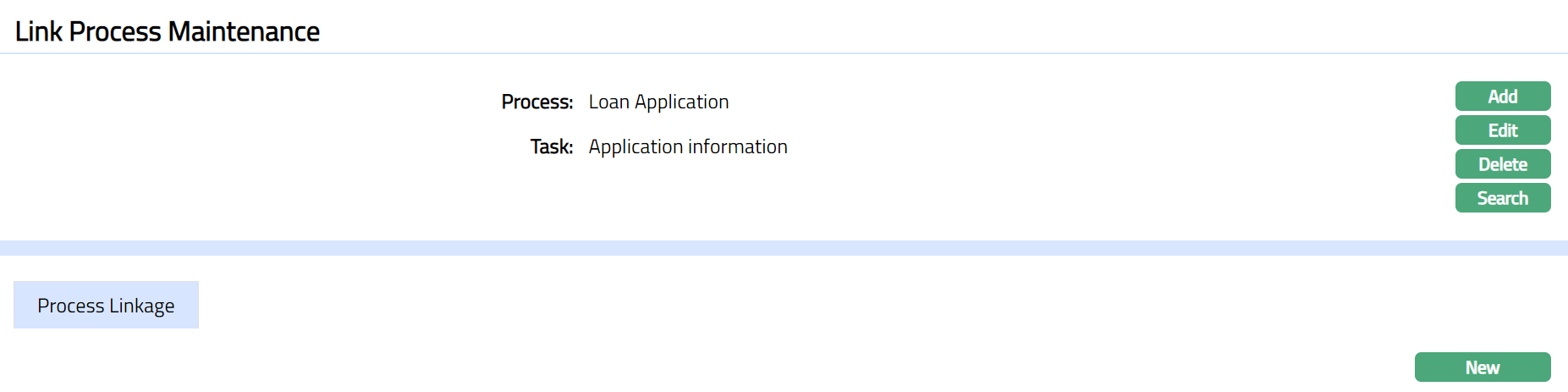
Functions: Add, Edit, Delete, Search
To add a new Process Linkage
- Click New. New Process Linkage page appears.
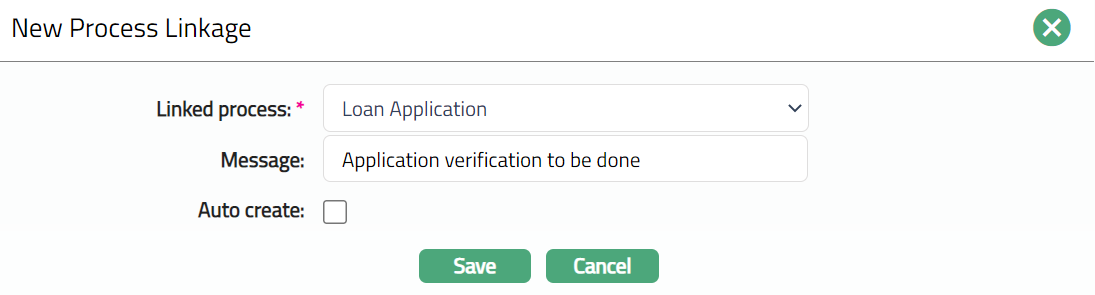
Select Linked Process from the drop-down list of options maintained under Process Designer. Linked Process is used to link it to the Process workflow chosen above.
Enter Message for the Process Linkage. If Auto create option is not selected, then the field will be enabled.
For example: Process = Person Creation
Linked Process = Account Creation
Message: Create an Account.
Auto create: No
On creation of the Person, AURA will display the Message "Create an Account" for the user.
If Auto create option is checked, then AURA will take the user directly to the Linked Process screen.
Click Save. Link Process Maintenance page appears with the added details.
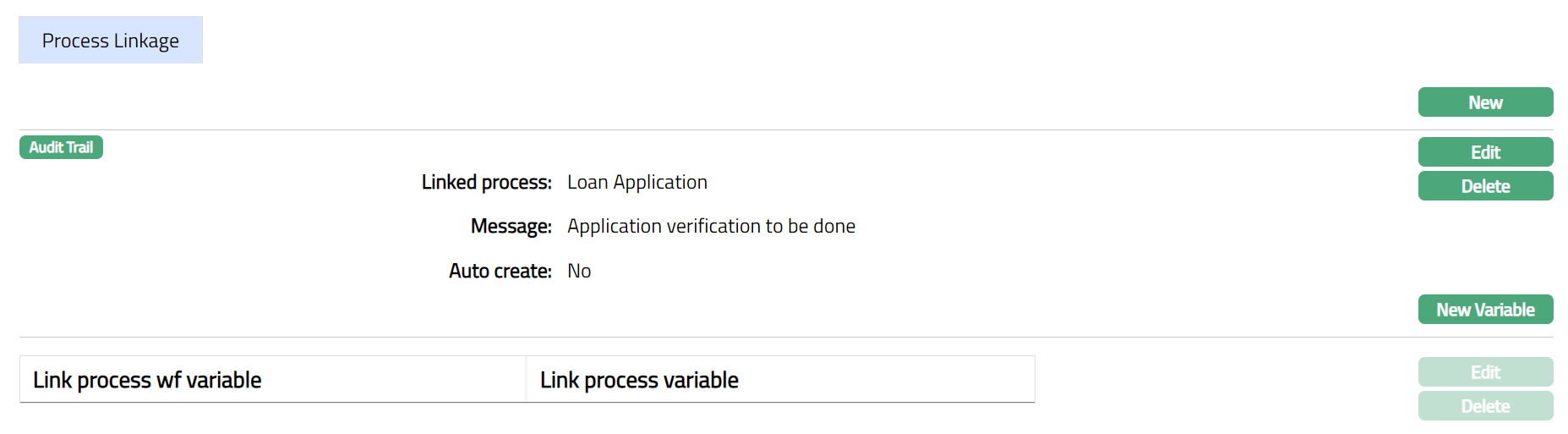
- Click Edit. Edit Process Linkage page appears.
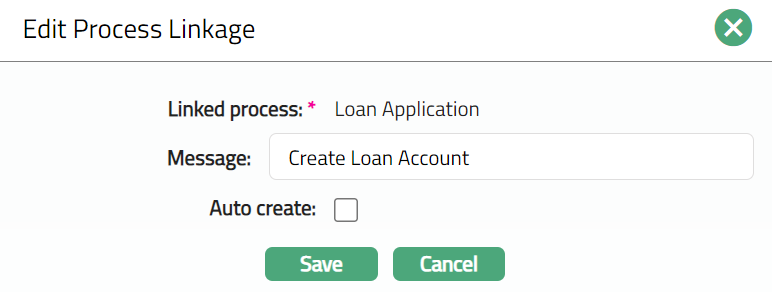
Note: Except Linked process field, rest all other fields are editable.
- Click Save. Process Linkage tab appears with the edited details.
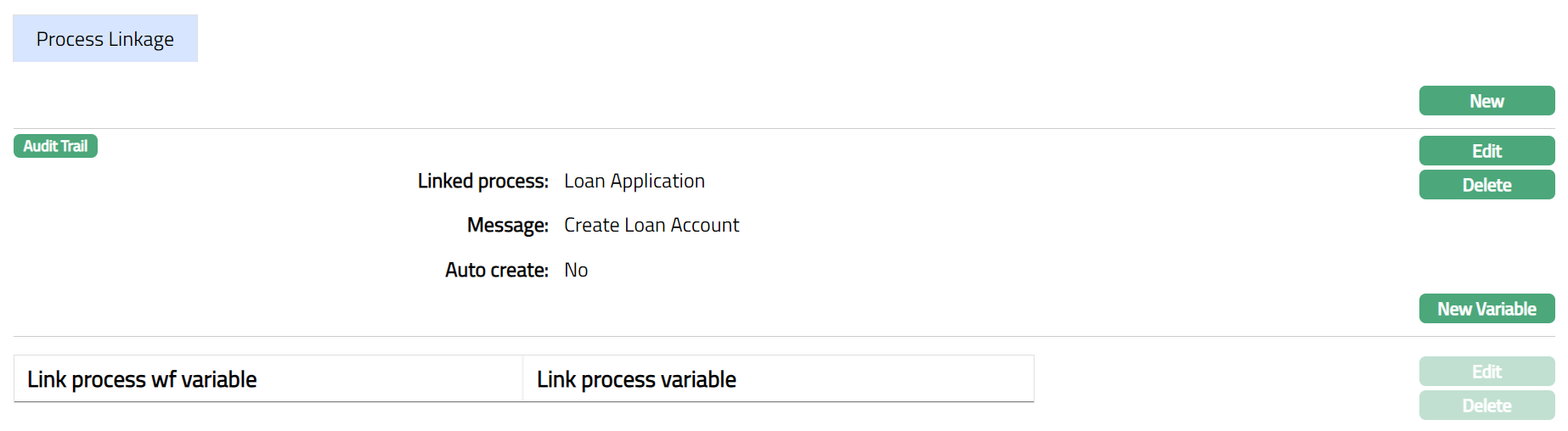
Functions: New, Edit, Delete
- Click New Variable. New Linkage Process Variable page appears.
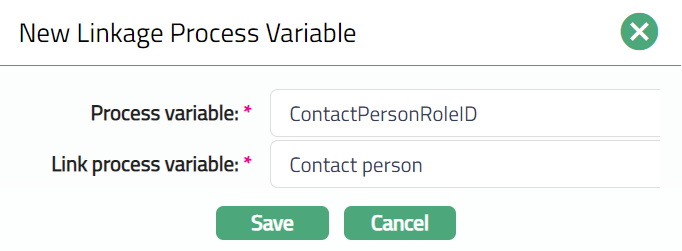
Select Process variable from the drop-down list of variables maintained for the Process Flow. The variable selected here is mapped with the Linked process.
Select Link process variable from the drop-down list of variables maintained for the Linked Process Flow. The variable selected here is linked with the Process variable.
Click Save. Process Linkage tab appears with the added variable details.
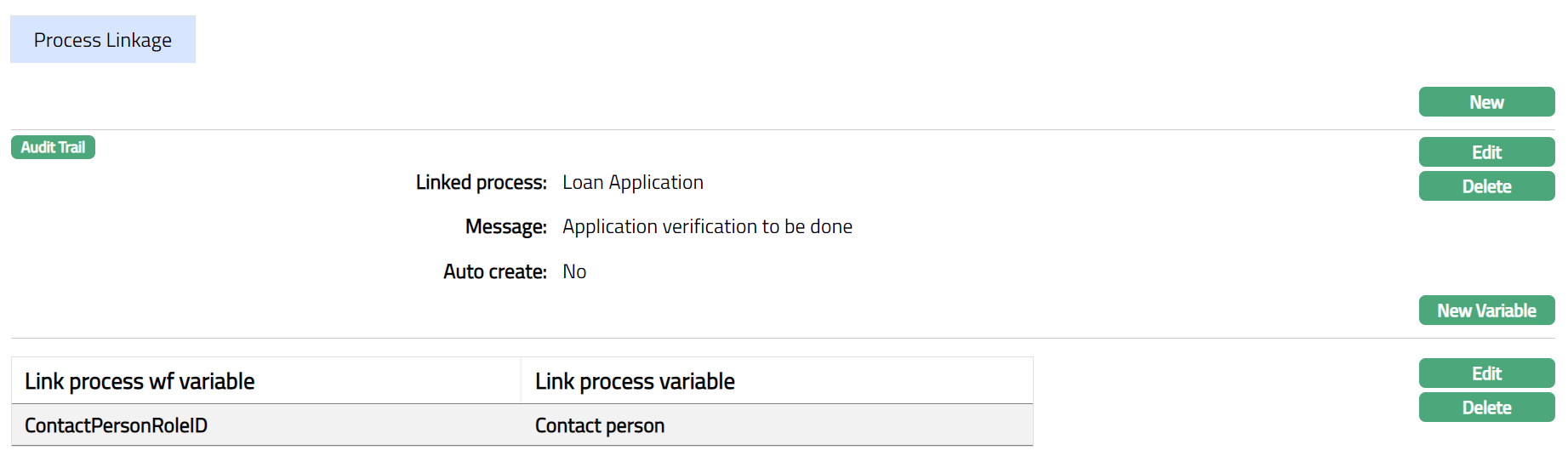
Functions: New, Edit, Delete
To edit New Variable
- Click Edit. Edit Linkage Process Variable page appears.

Note: All fields are editable.
- Click Save. Process Linkage page appears with the edited details.
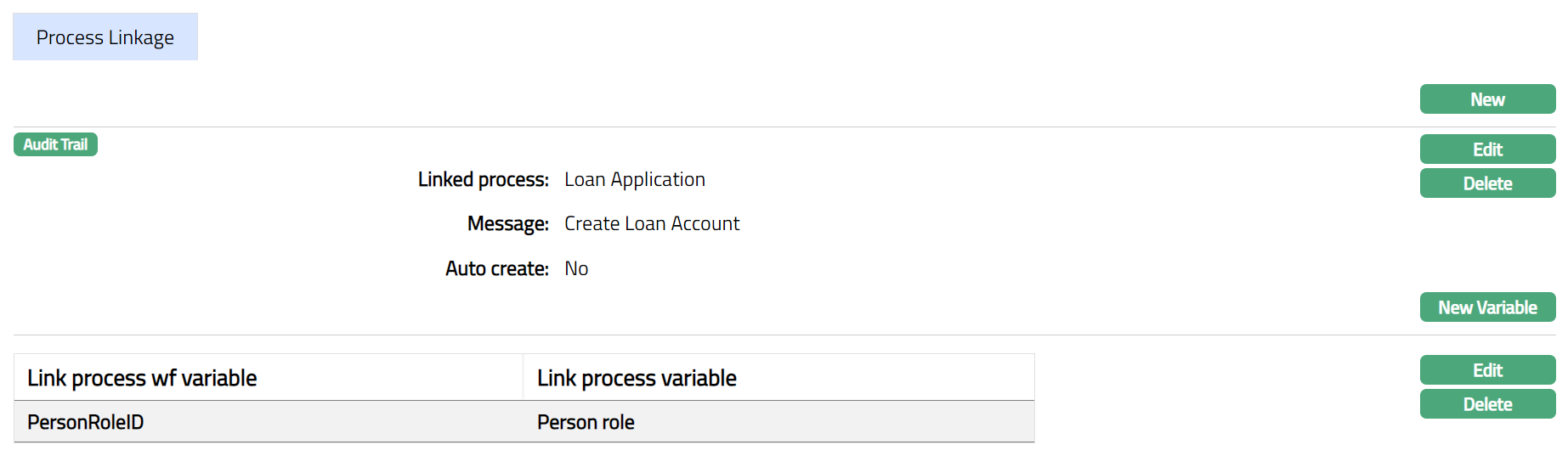
Functions: New, Edit, Delete