
Role Template
Channel Banking Role Template allows you to maintain all signatory details.
The following is the only tab under Role Template:
To add a Role Template
From Admin menu, click Channel Banking and then Role Template. Role Template Search page appears.
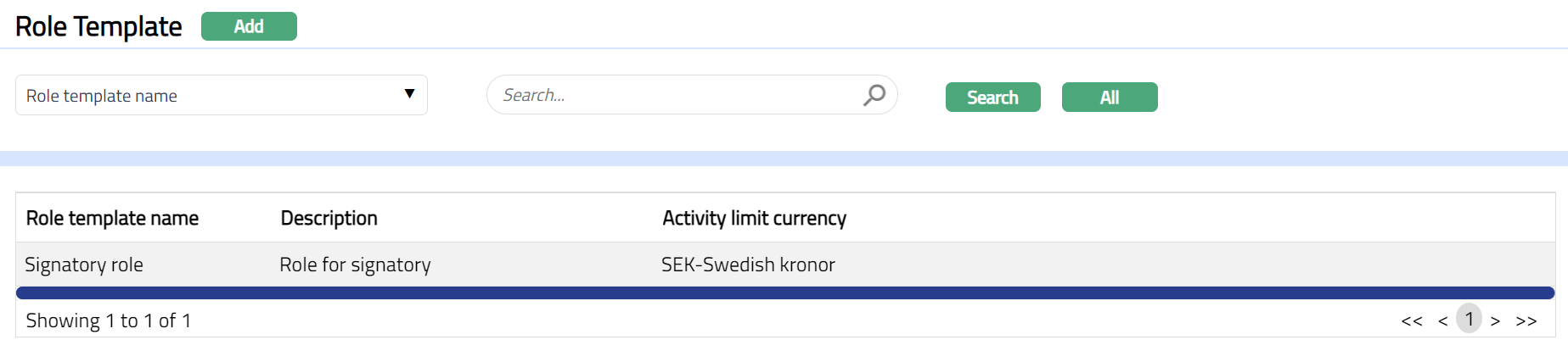
Click Add. New Role Template - Details (1/2) page appears.
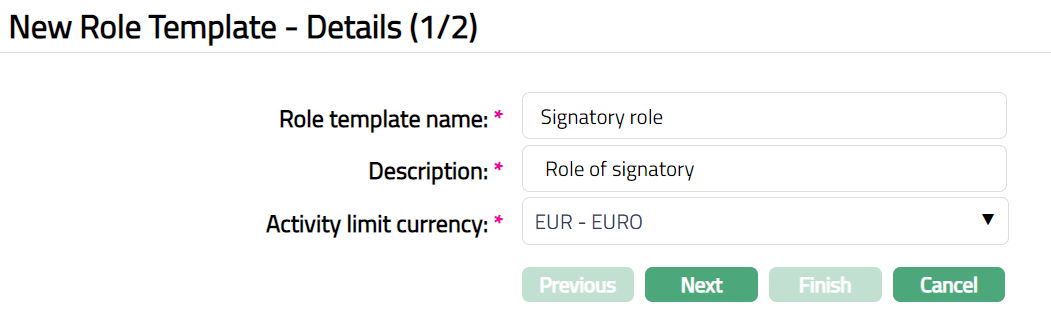
Enter Role template name.
Enter Description for Role Template.
Select Activity limit currency for the Role template.
Click Next. New Role Template- Confirmation (2/2) page appears.
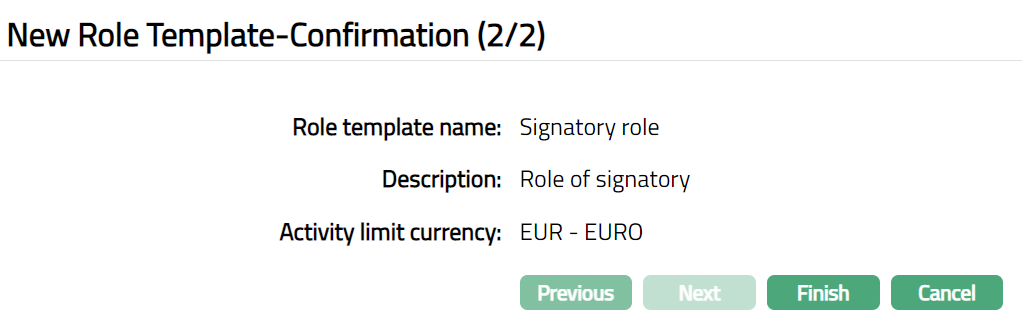
Click Finish. Role Template page appears with the added details.
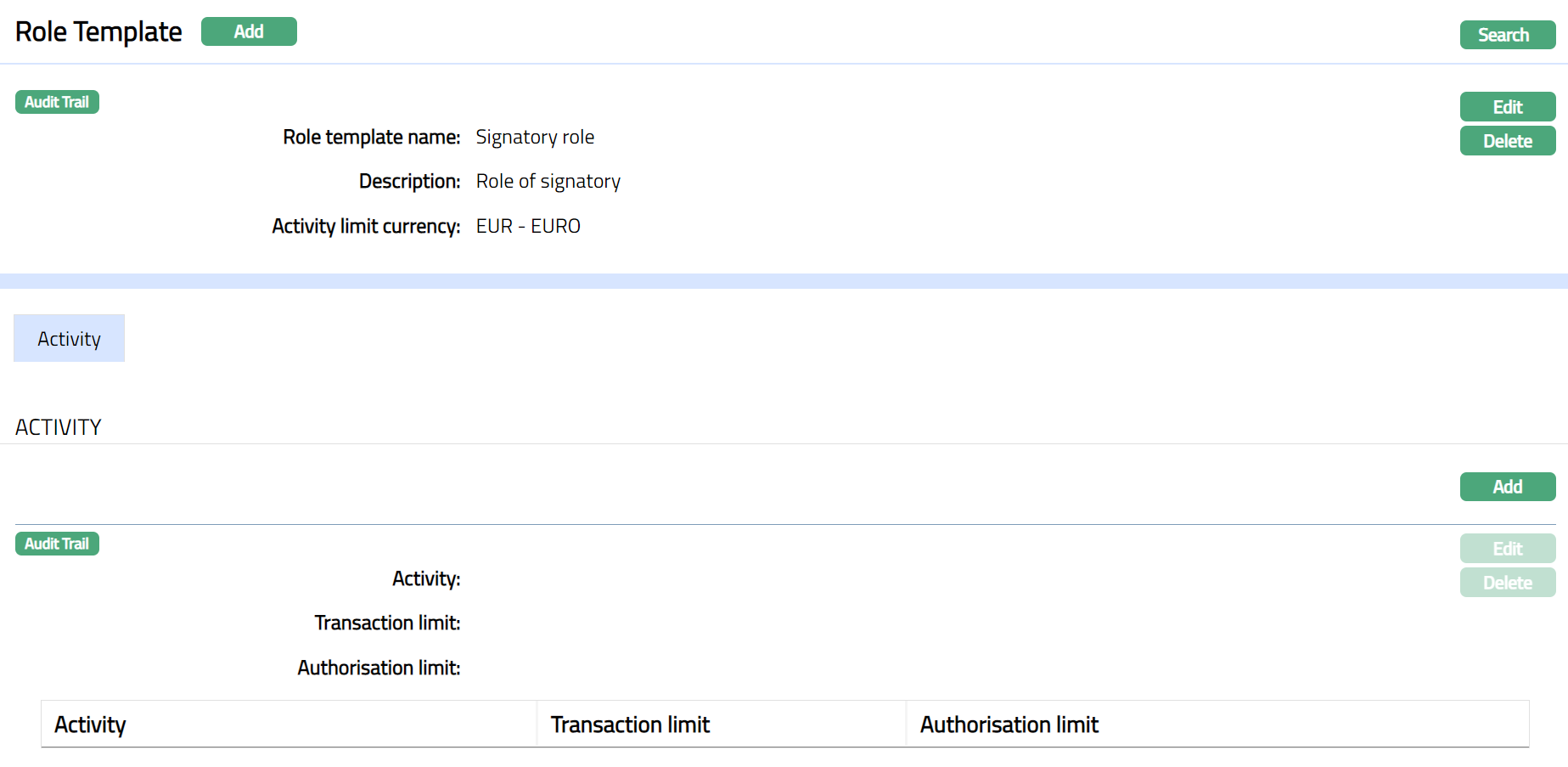
Functions: Add, Search, Edit, Delete.
To Edit Role Template.
Click Edit. Edit Role template page appears.
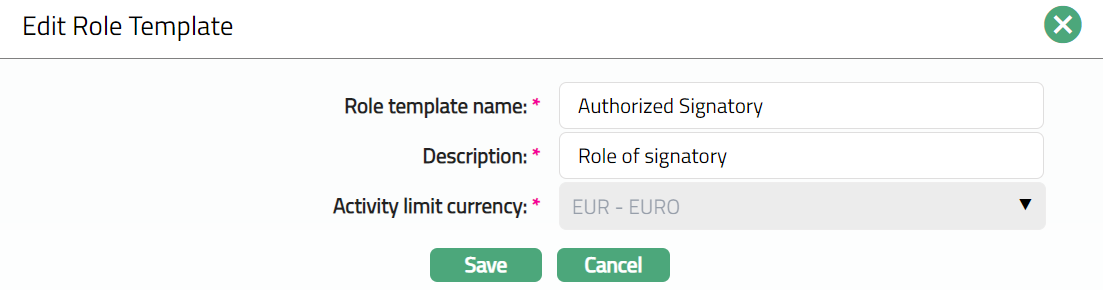
Note: Except Activity Limit currency field, rest all other fields are editable.
Click Save. Role Template page appears with the edited details.
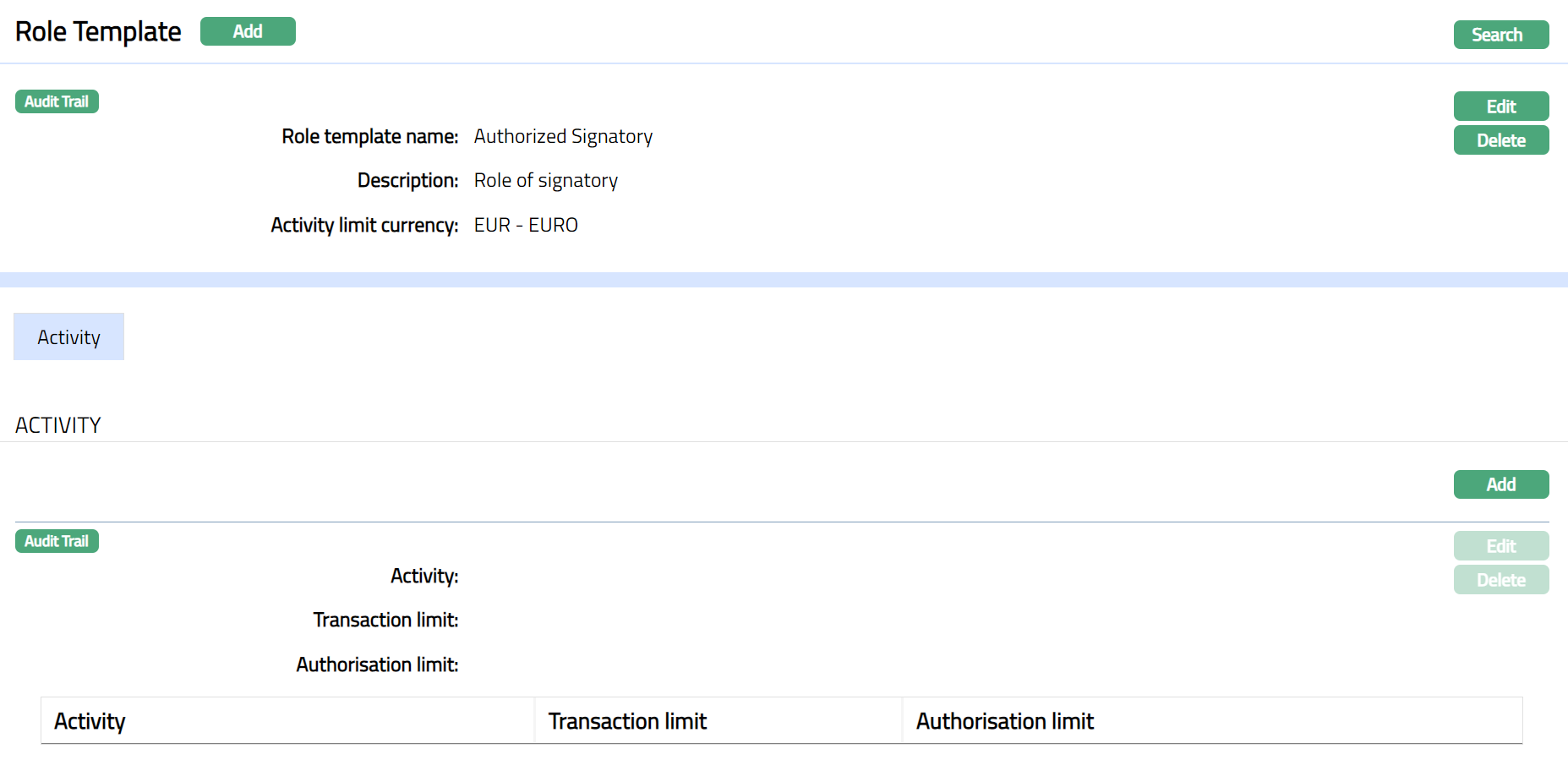
Functions: Add, Search, Edit, Delete.
Activity
Activity is the default and only tab under role Template. This tab allows you to maintain all the relevant activity for Role Template.
To Add Activity.
Access Role Template page and click Activity tab to view the details as per sample below.
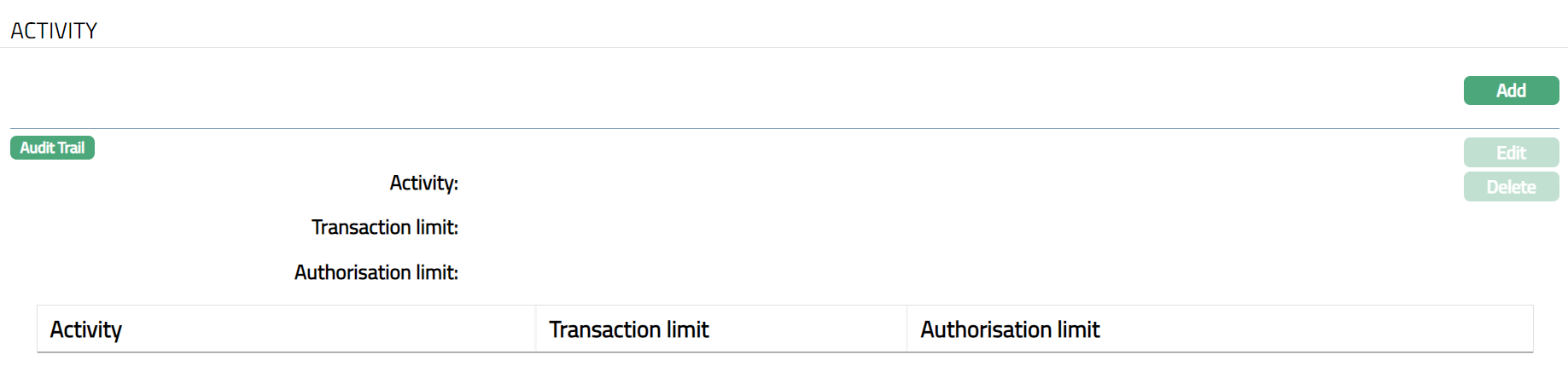
Click Add. Add Activity page appears.
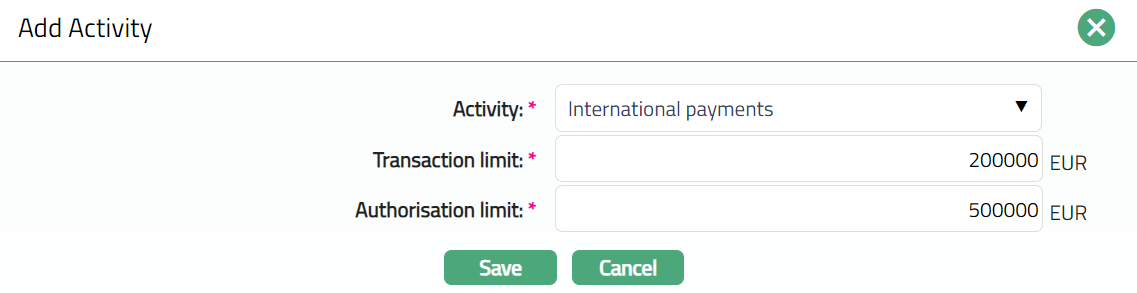
Select the required Activity from the available drop-down list of pre-shipped values.
Enter Transaction limit for the selected Activity.
Enter Authorisation Limit for the selected Activity.
Click Save. Activity tab appears with the added details.
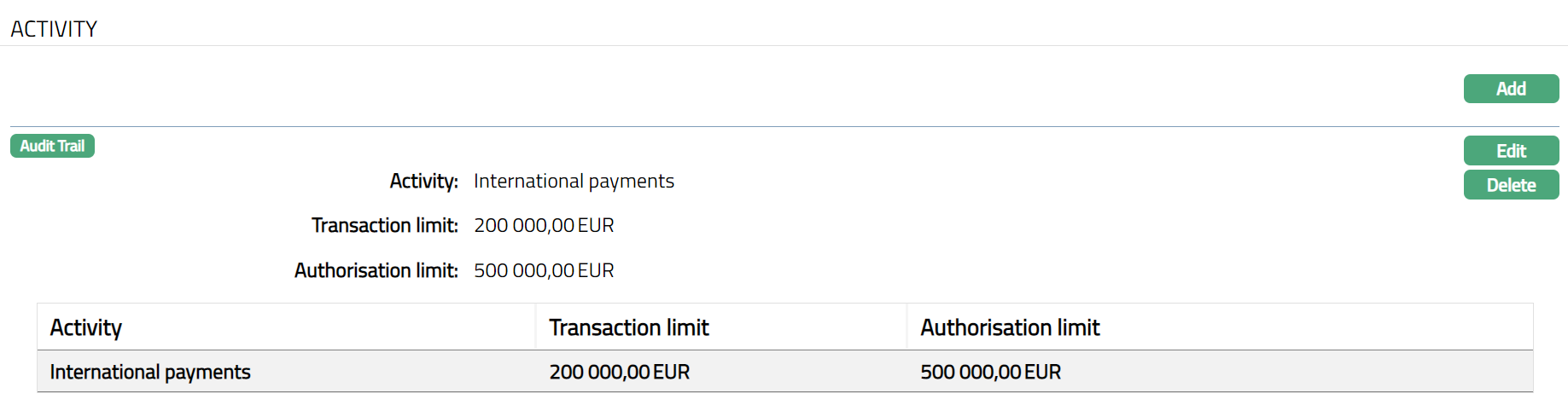
Functions: Add, Edit, Delete.
To Edit Activity.
Click Edit. Edit Activity page appears.
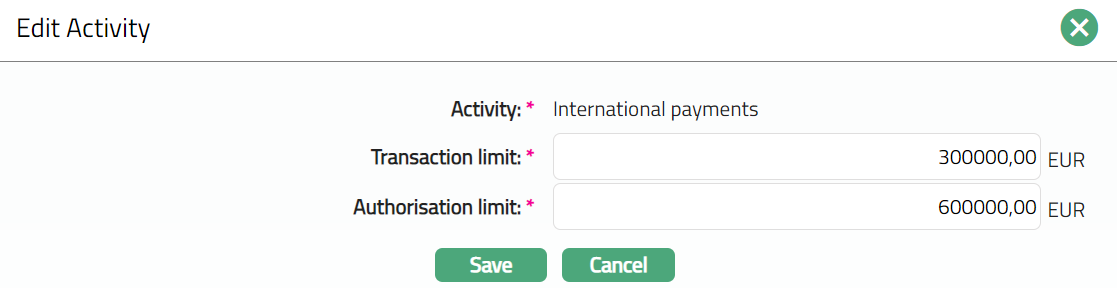
Note: Except Activity field, rest all other fields are editable.
Click Save. Activity tab appears with the edited details.
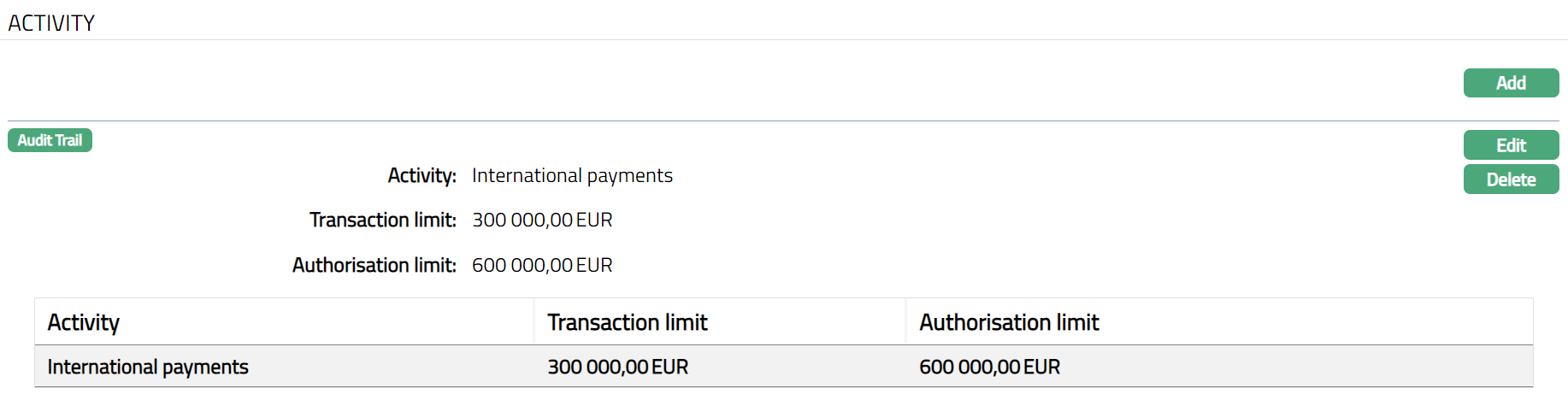
Functions: Add, Edit, Delete.