
SIC codes
SIC (Standard Industry Classification) Codes is a system of classifying industries by a code. In Aura, these are used to identify the main line of activity that a customer is engaged in. This classification is useful for marketing purposes, and may also be required on certain government or regulatory reports.
To add SIC code
- From Admin menu, click System Codes, Generic Definitions, and then SIC codes. The SIC Code Search page appears. All SIC codes available in Aura appear on the page, sorted alphabetically based on Code.
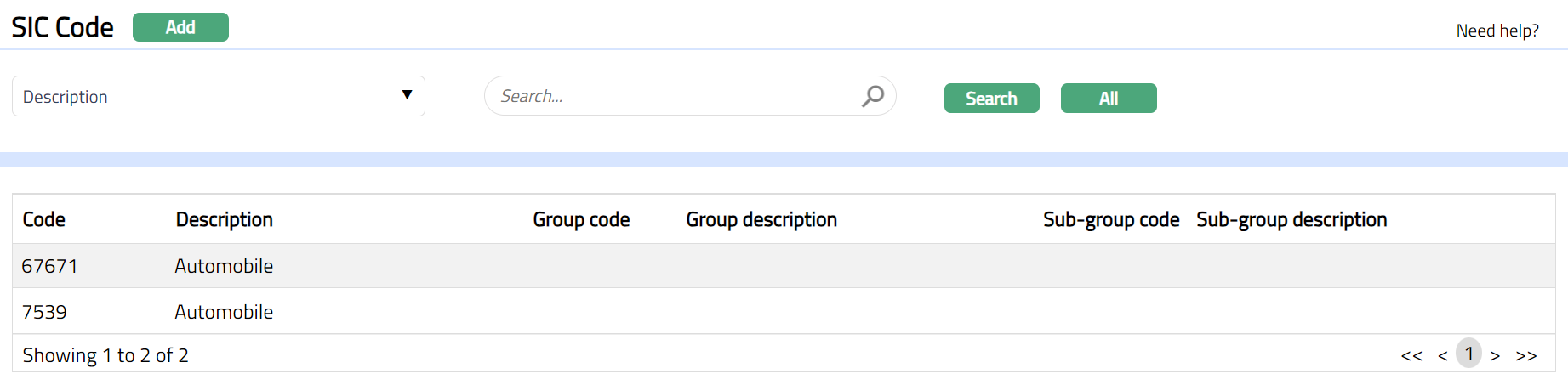
- Click Add. New SIC Code -- General (1/2) page appears
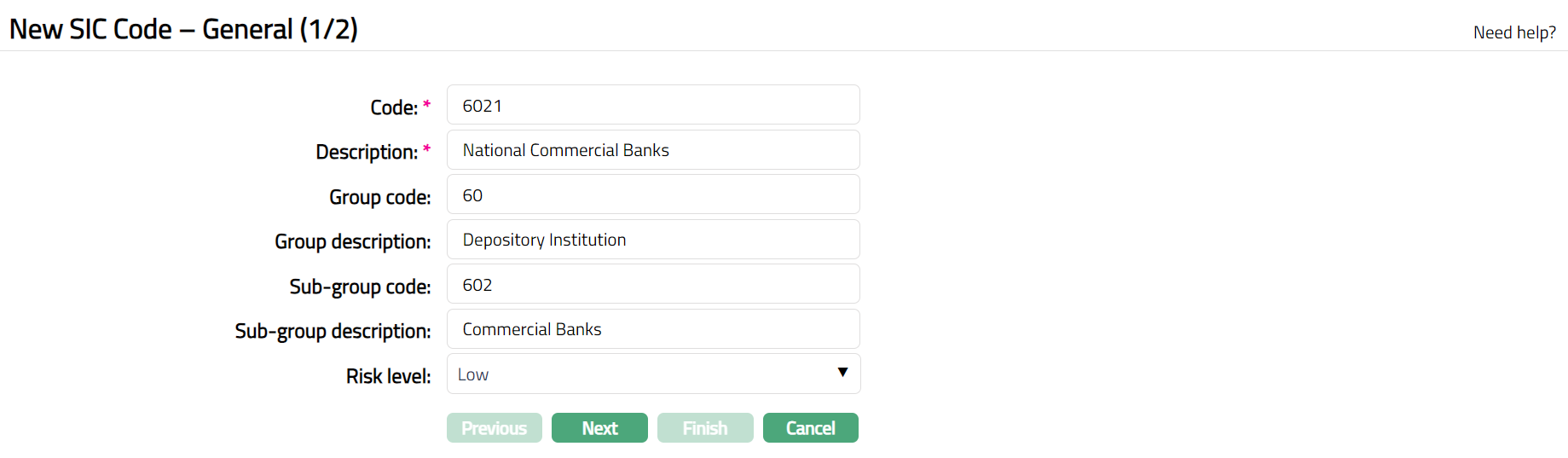
Enter SIC code in the Code field. For example , 6021
Enter Description for the SIC code. For example, National Commercial Banks.
Enter Group Code, Group Description, Sub-group Code and Sub-group Description as required.
Choose Risk Level from the drop down -- Low, Medium or High.
Click Next. New SIC Code -- Confirmation (2/2) page appears.
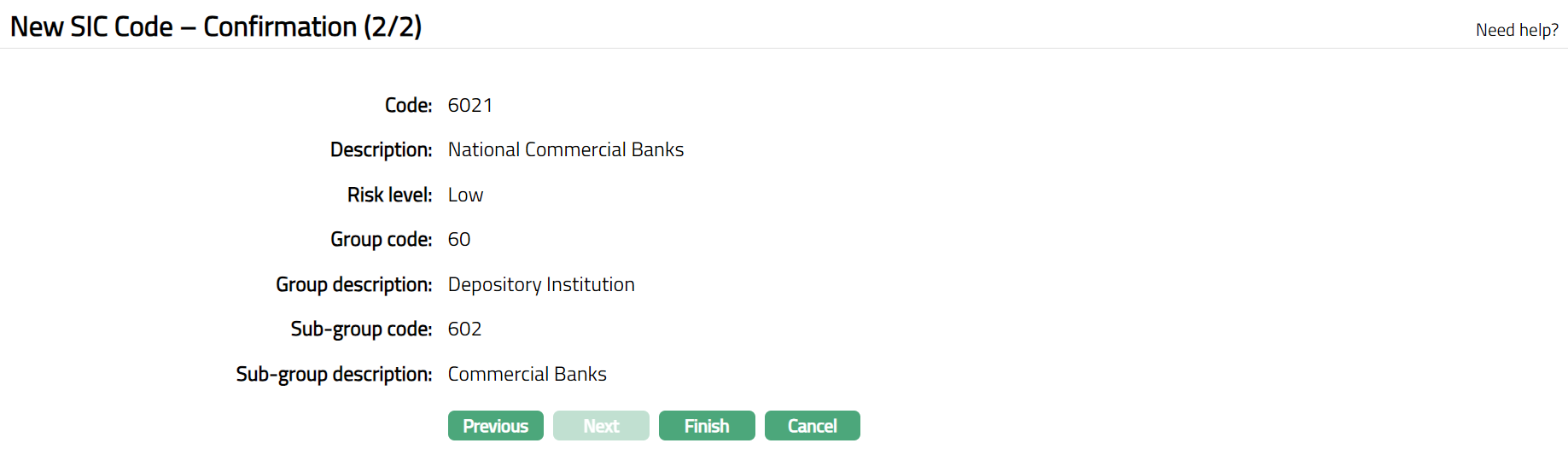
- Click Finish. SIC Code page appears displaying the details of the SIC Code you added.
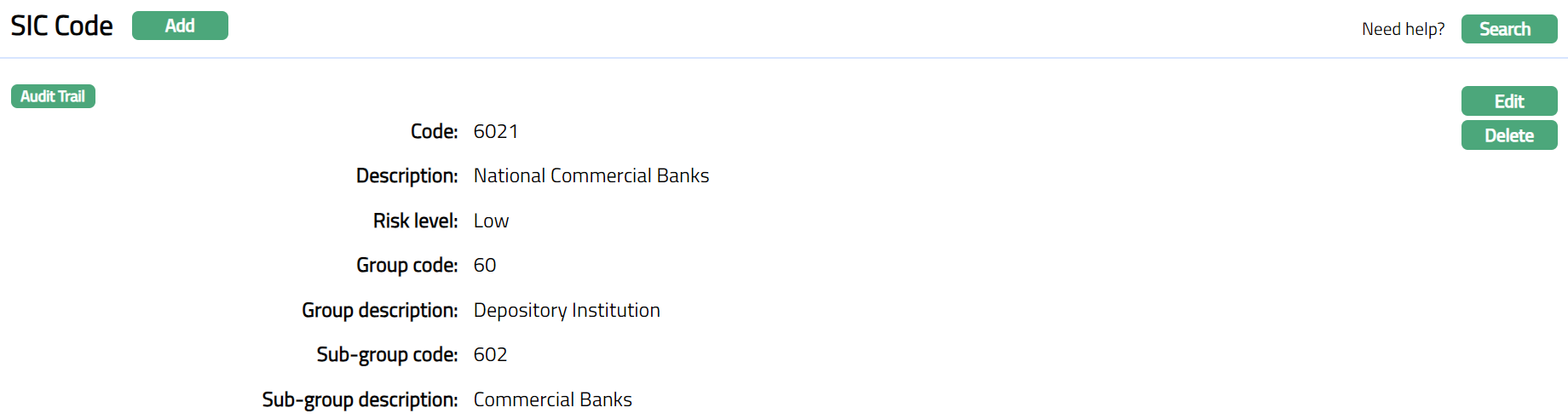
Functions: Add, Edit, Delete, Search
To Edit SIC Code
- Click Edit. Edit SIC Code page appears.
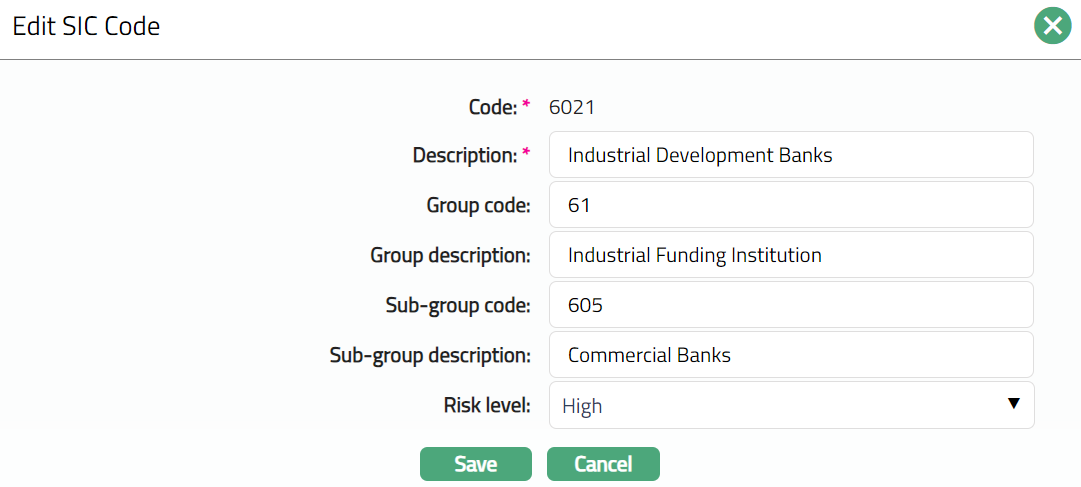
Note: Except Code field, all other fields are editable.
- Make required changes and click Save.
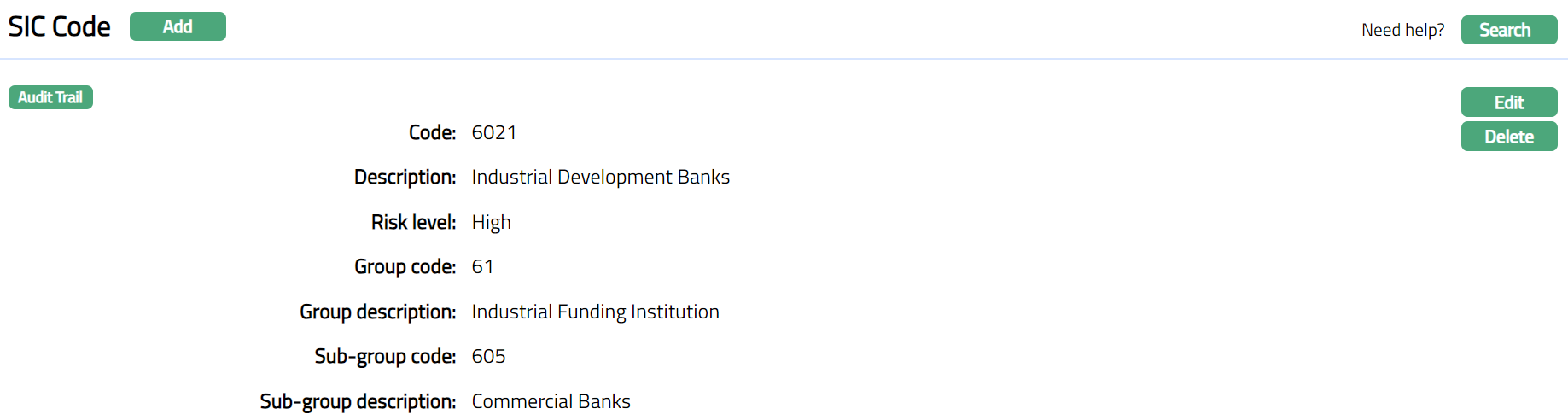 Functions: Edit, Delete
Delete: You can delete a SIC Code by clicking Delete button. When you click on Delete button, Aura displays an alert message. On confirmation, Aura will delete the SIC Code. A SIC Code can be deleted until it is mapped to the Client KYC tab.