
Department
Department option allows you to maintain multiple departments under your bank. This will help identify various functional units for your bank. This classification helps in providing certain features to the departments. One such example is budgeting.
On creation of departments, User is mapped to a particular department and budget is assigned for the mapped department.
To add New Department
From Admin menu, click System codes, then Generic definition and then Departments. The Department Search page appears.
Click Add. New Department - General (1/2) page appears.
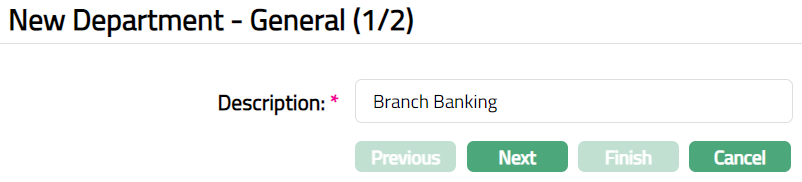
Enter Description for the department.
Click Next. New Department -- Confirmation (2/2) page appears.
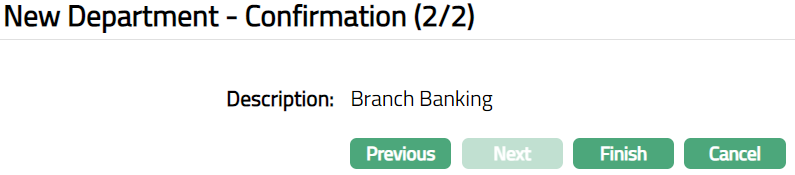
- Click Finish. Department page appears.
 Functions: Add, Edit, Delete, Search
Delete: You can delete a Department record saved in ConnectCore by a click on Delete button. ConnectCore will ask for confirmation, on approving which the selected record will be deleted.
To edit Department
- Click Edit. Edit Department page appears.

- Click Save. Department page appears with the edited details.
 Functions: Add, Edit, Delete, Search.