Balance Certificate
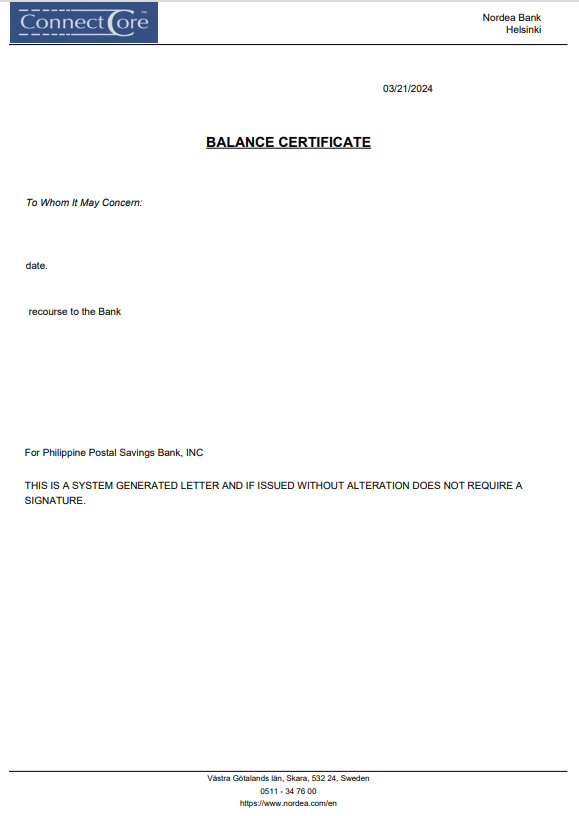
Balance Certificate Report tab allows you to generate balance certificate for the selected client or organisation.
To generate Balance Certificate Report.
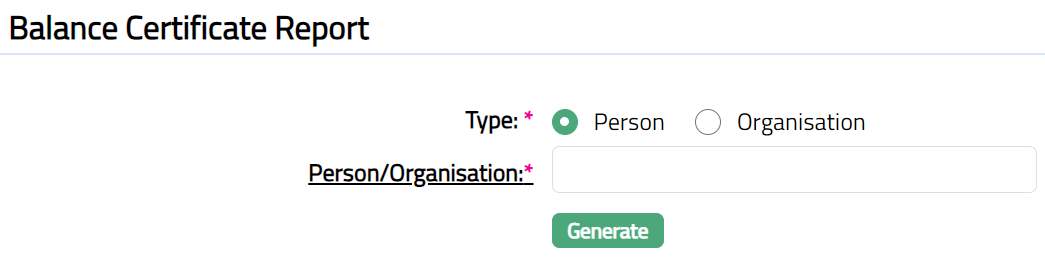
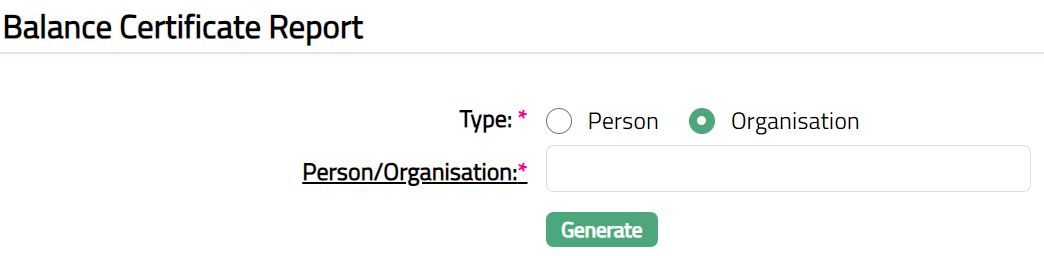
Access CRM menu, click Reports and then Balance Certificate. Balance Certificate Report page appears.
For Person:
For Organisation:
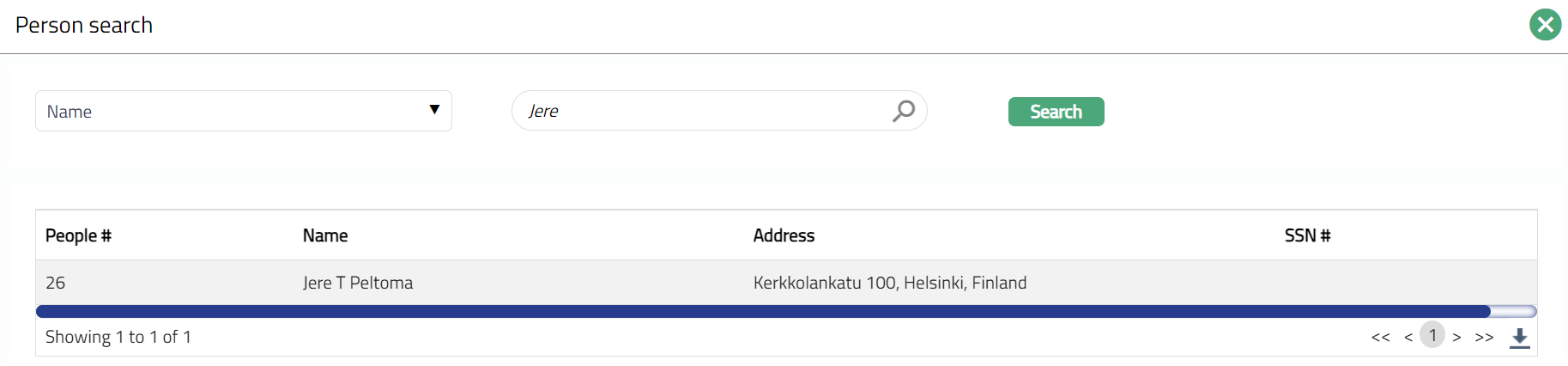
Select Person/Organisation by clicking client hyperlink. Person/Organisation search page appears where you can search for a person/organisation with relevant criteria and select the required client. You can also input the person/organisation name and select the required person/organisation from the list displayed by Aura. Based on criteria, Aura will display the list of all the person/organisation maintained under CRM > Person > Maintain or CRM > Organisation > Maintain.
For Person:
For Organisation:
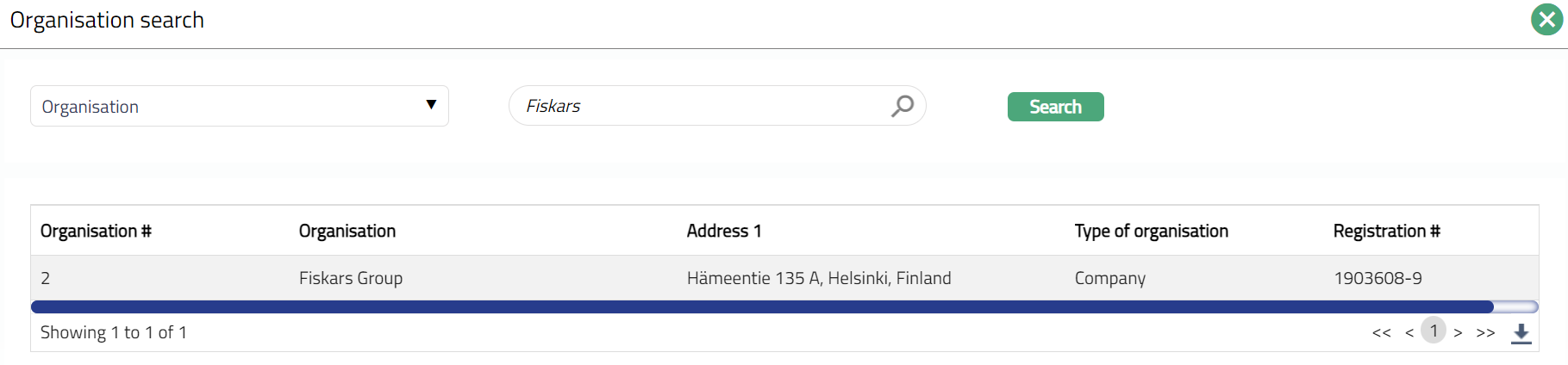
Select Client by clicking on client hyperlink. Client search page appears where you can search for a client with relevant criteria and select the required client. You can also input the client name and select the required client from the list displayed by Aura. Based on criteria, Aura will display the list of all the clients maintained under CRM > Client > Maintain.
For Person:
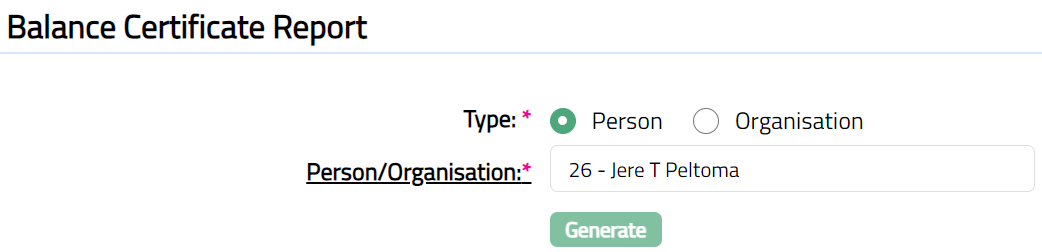
Function: Generate
For Organisation:
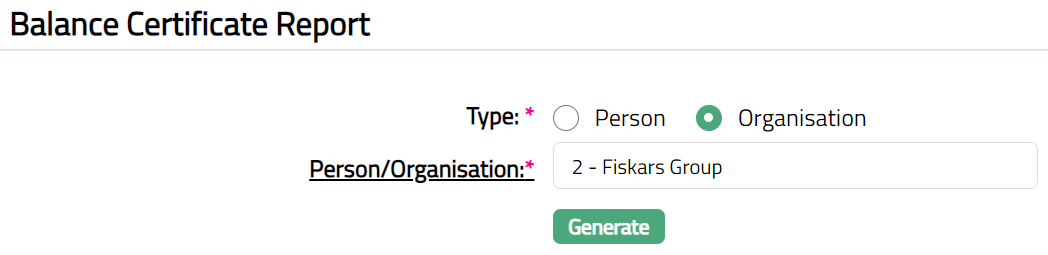
Function: Generate
Click Generate. Aura generates the certificate based on the options chosen above. Note: Aura does not store the certificate in any location by default. You need to save the certificate to be able to view the same later.
You have the option to either open the file to see the certificate or save it with the name as required.