
Mobile App Version
Mobile App Version Template allows you to maintain all App versions related to Mobile.
To add Role Template
From Admin menu, click Channel Banking and then Mobile App Version. Mobile App Version Search page appears.

Click Add. New Mobile App Version - Details (1/2) page appears.
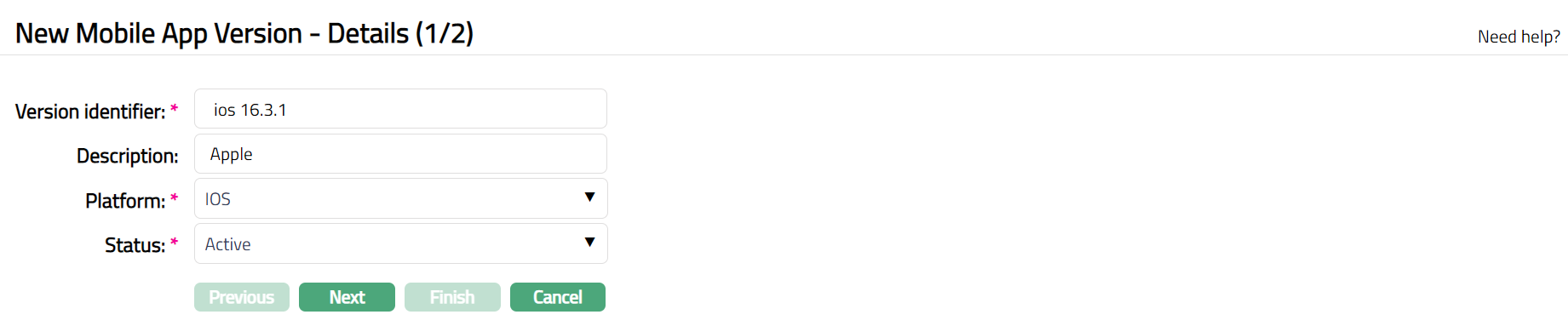
Enter Version identifier for the app version.
Enter Description of the mobile.
Select Platform name from the available drop-down list of pre-shipped values. The available list are Andriod and IOS
Select Status from the available drop-down list of pre-shipped values. The Available list are Active, Deprecated and Incompatable.
Click Next. New Mobile App Version - Confirmation (2/2) page appears.
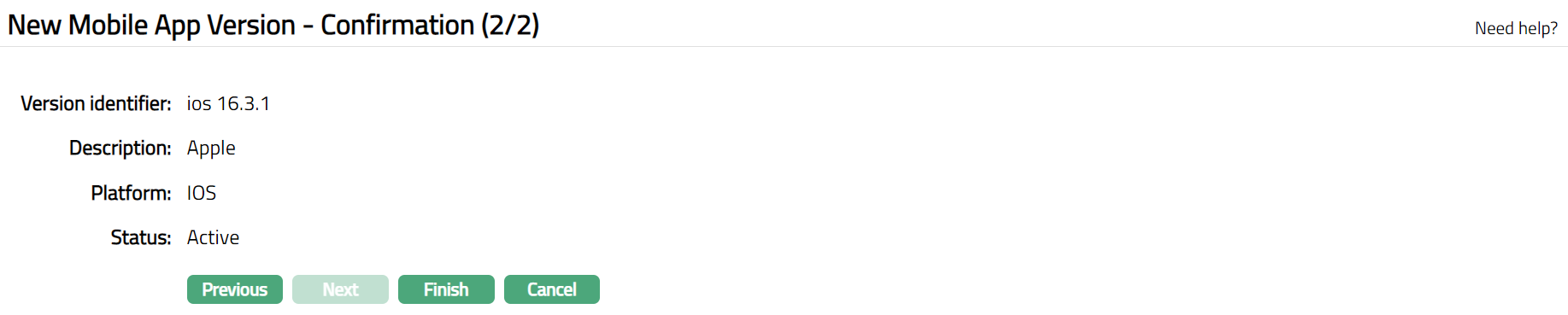
Click Finish. Mobile App Version Maintenance page appears with the added details.

Functions: Add, Edit, Delete, Search.
To Edit Mobile App Version.
Click Edit. Edit Mobile App Version page appears.
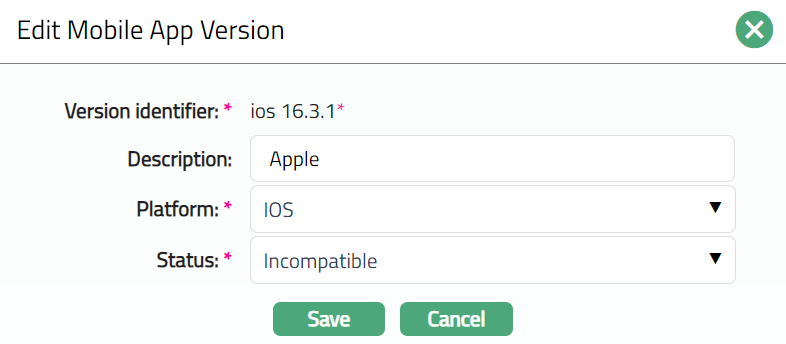
Note: Except Version identifier field, rest all other fields are editable.
Click Save. Mobile App Version Maintenance page appears with the edited details.

Functions: Add, Edit, Delete, Search.