
Inter- Branch Reconciliation
Inter-Branch Reconciliation is a report that shows all the transactions for a chosen date. The report shows a detailed transaction report which is useful for checking every transaction that occurred during a certain period of time.
To generate report
Access General Ledger menu, Click Reports and then Inter-Branch Reconciliation. Bank Inter- Branch Reconciliation Report page appears.

Input Date for which you require a GL report. By default, current business date is displayed. However, you can enter any other date manually or select using the calendar.
Click Generate. Aura generates the report of all the transactions posted in General Ledger. Note: Aura does not store the report in any location by default. You need to save the report to be able to view the same report later on.
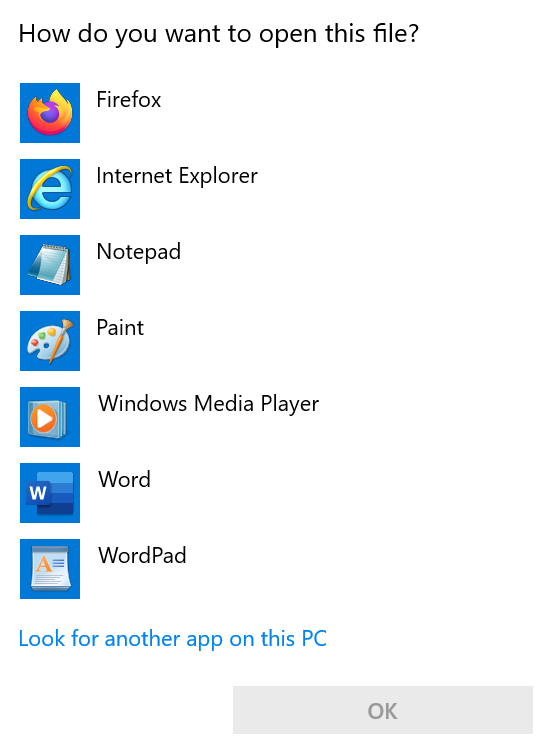
You have the option to either open the file to see the report or save it with the name Bank Inter-Branch Reconciliation Report- <Branch code> - <Date>. Click the application as required.
A sample of the report is shown below, and the contents are explained thereafter.
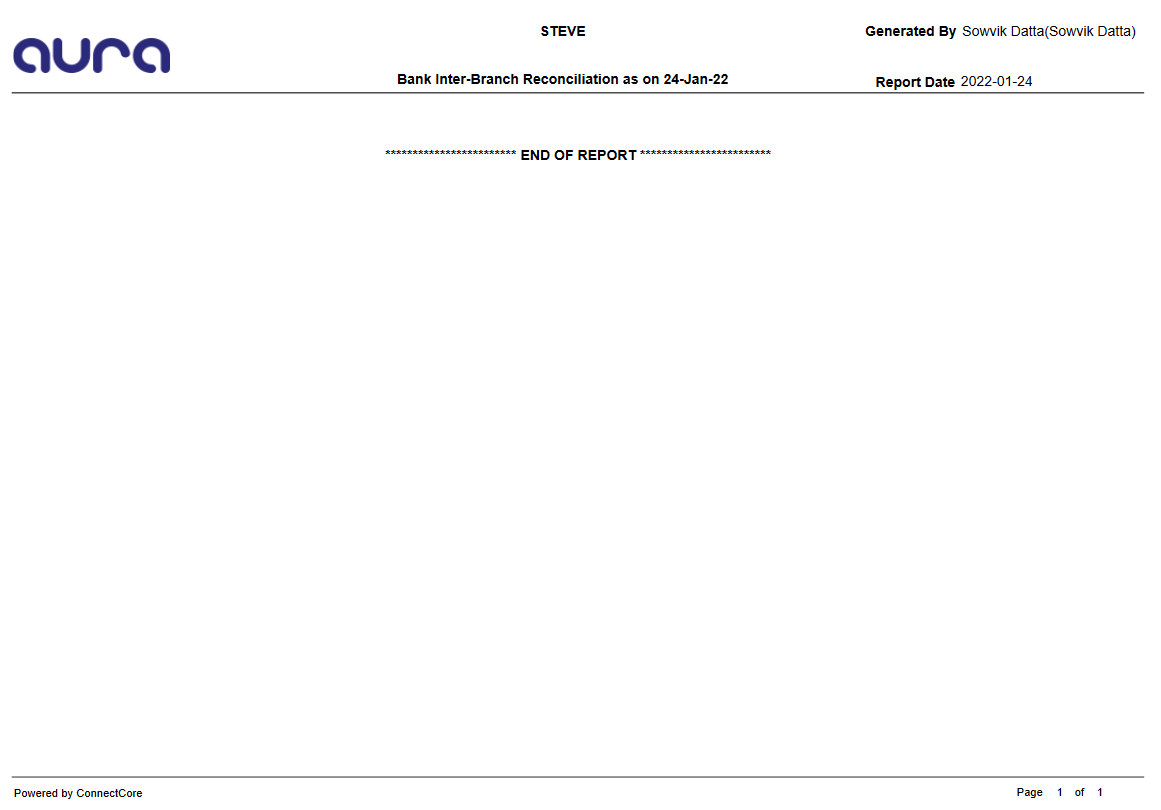
Note: General ledger report will contain the following details, if available for the chosen date:
Page 1
a. Page Title
Name of the Bank/Person
Generated by -- The name and user id of the person who generated the report
Report Date -- The date and time of generation of the report.
Report Id and Report Name -- For this report, it will be - Bank Inter-Branch Reconciliation Report -- GL Accounts Balance as on <Date>.
b. Page Contents
List of input parameters, with the values that you chose.
Page 2 onwards
a. Page Title
Name of the Bank/Person
Generated by -- The name and user id of the person who generated the report
Report Date -- The date and time of generation of the report.
Report Id and Report Name -- For this report, it will be - Bank Inter-Branch Reconciliation Report -- GL Accounts Balance as on <Date>.
b. Report Contents
GL Type -- Type of the General Ledger. For example: Asset.
Ledger # - GL number for the GL type.
GL description - GL Description for the above Ledger #.
Currency - Currency for this leg of the ledger entry in 3-digit ISO alpha code.
DB / CR - Debit / Credit indicator for this General Ledger.
Balance - Balance amount of the ledger.
<LCY> Amount - Transaction amount in LCY (i.e., Entity's base currency) as derived during the transaction for this Ledger.