
Offer Condition
Offer Condition menu allows you to maintain the different types of Offer Conditions that can be applied for Loan Applications made by your customers.
To add new Offer Condition
- From Admin menu, click System Codes, Generic definitions, and then Offer Condition. Offer Condition search page appears. All Offer Conditions available in Aura appear on the page, sorted alphabetically.
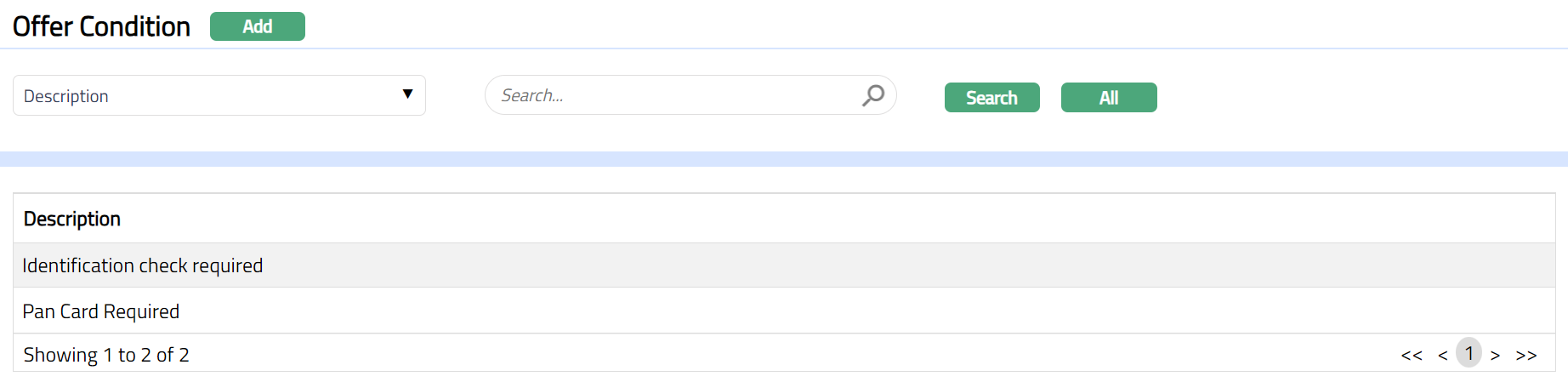
- Click Add. New Offer Condition -- General (1/2) page appears.
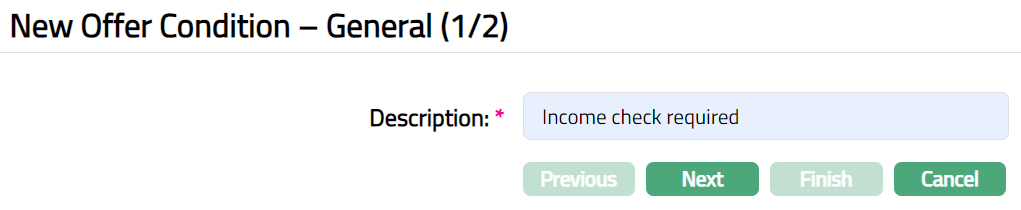
Enter Description that will be applied to the Offer Condition.
Click Next. New Offer Condition -- Confirmation (2/2) page appears.

- Click Finish. Offer Condition page appears displaying the details of the record you added.

Functions: Add, Edit, Delete, Search
To Edit Offer Condition
- Click Edit. Edit Offer Condition page appears.
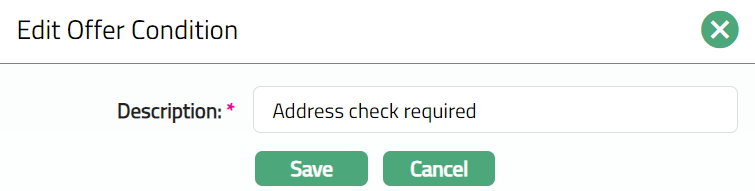
- Click Save. Offer Condition page appears with the edited details.

Functions: Edit, Delete.
Delete: You can delete an Offer Condition by clicking Delete button. When you click on Delete button, Aura displays an alert message. On confirmation, Aura will delete the Offer Condition. An Offer Condition can be deleted until it is used in an Offer for a Loan Application.