
User Designations
Designation option allows you to maintain a list of designations, which is assigned to all types of Users created under Aura.
To add a Designation
- From Admin menu, click Users and then Designations. Designation Search page appears.

- Click Add. New Designation -- General (1/2) page appears.
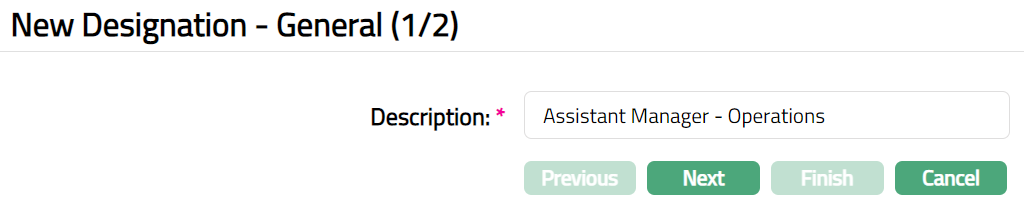
Enter Description for designation, which is to be assigned to the User.
Click Next. New Designation -- Confirmation (2/2) page appears.
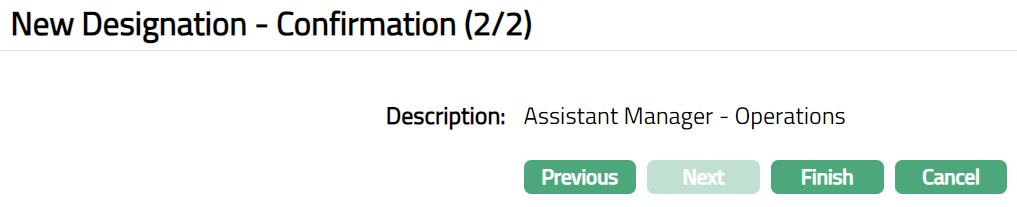
- Click Finish. Designation page appears.

Functions: Add, Edit, Delete, Search.
To edit Designation
Access Designation page.
Click Edit. Edit Designation page appears.
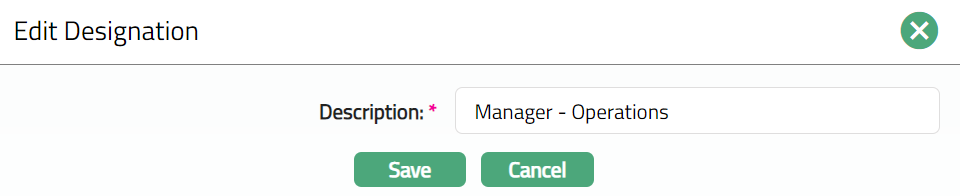
- Click Save. Designation page appears with the edited details.

Functions: Add, Edit, Delete, Search.
Delete: You can delete a Designation by clicking on Delete button. When you click on Delete button, Aura displays an alert message. On confirmation, Aura will delete the Designation. A Designation can be deleted until it is mapped to the User.