
Aura-Data
Aura-Data allows you to maintain the values for certain fields like Name / Description in different languages. By default, Aura takes in the values for the fields in English, but you can also maintain the translated values in any other language. The values maintained in the Translations option for various languages are used only in outputs (like Statements) -- and not for display on screen.
To maintain Aura-Data,
- From Admin menu, click Translations, and then Aura-Data. Translation Search page appears with the list of Groups. A sample screen is given below.
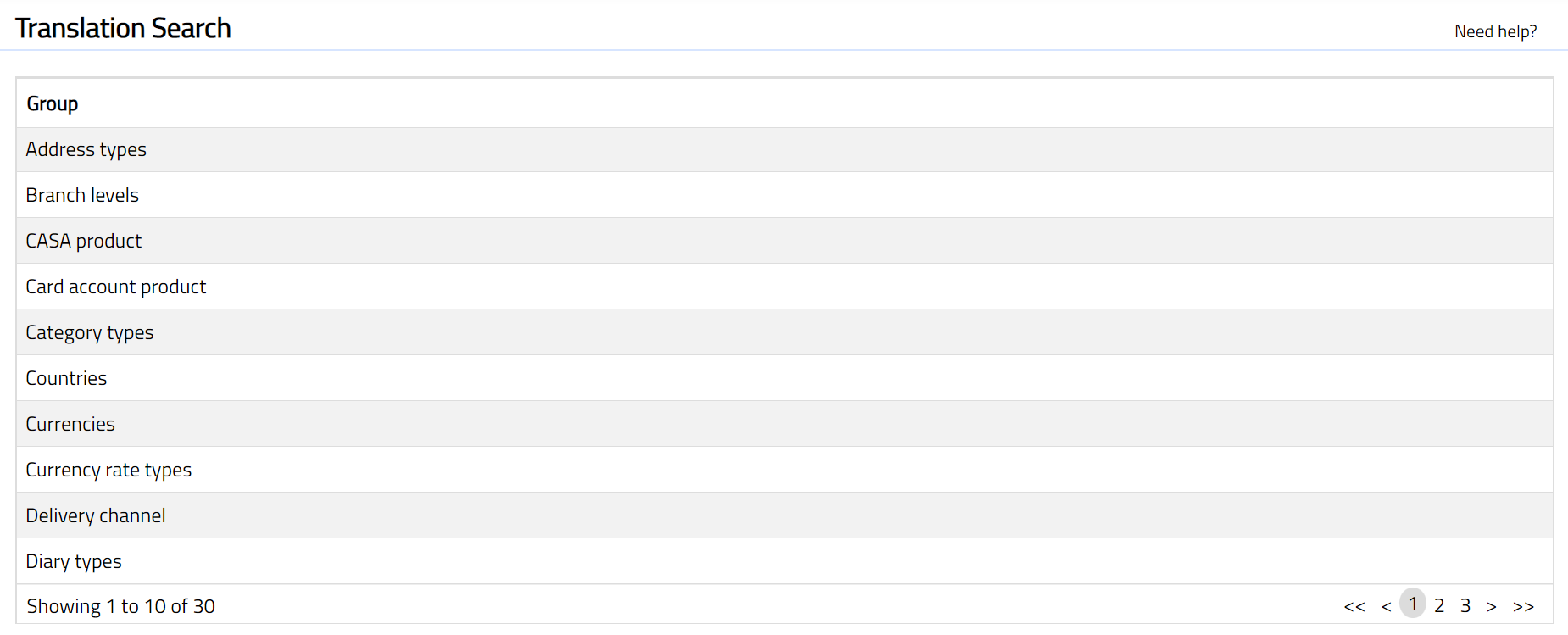
- Click any of the Group. Translation page appears showing the various records for that Group under various Language tabs.
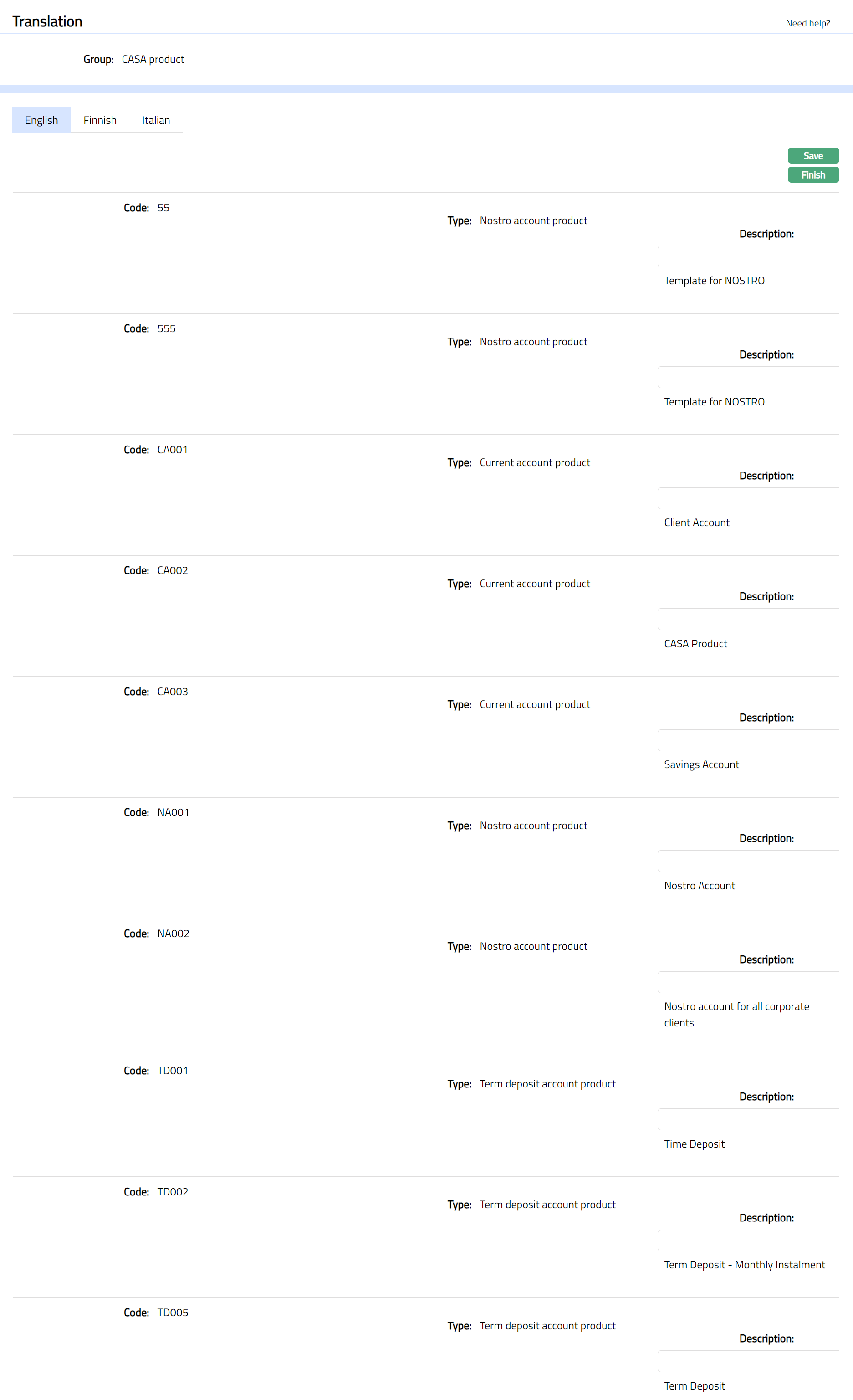
- Select language tab and the field from the Group and enter the description for that particular field in the required language. For example, if you want to input the translation in English, select the English tab and enter the Description for the field in English language.
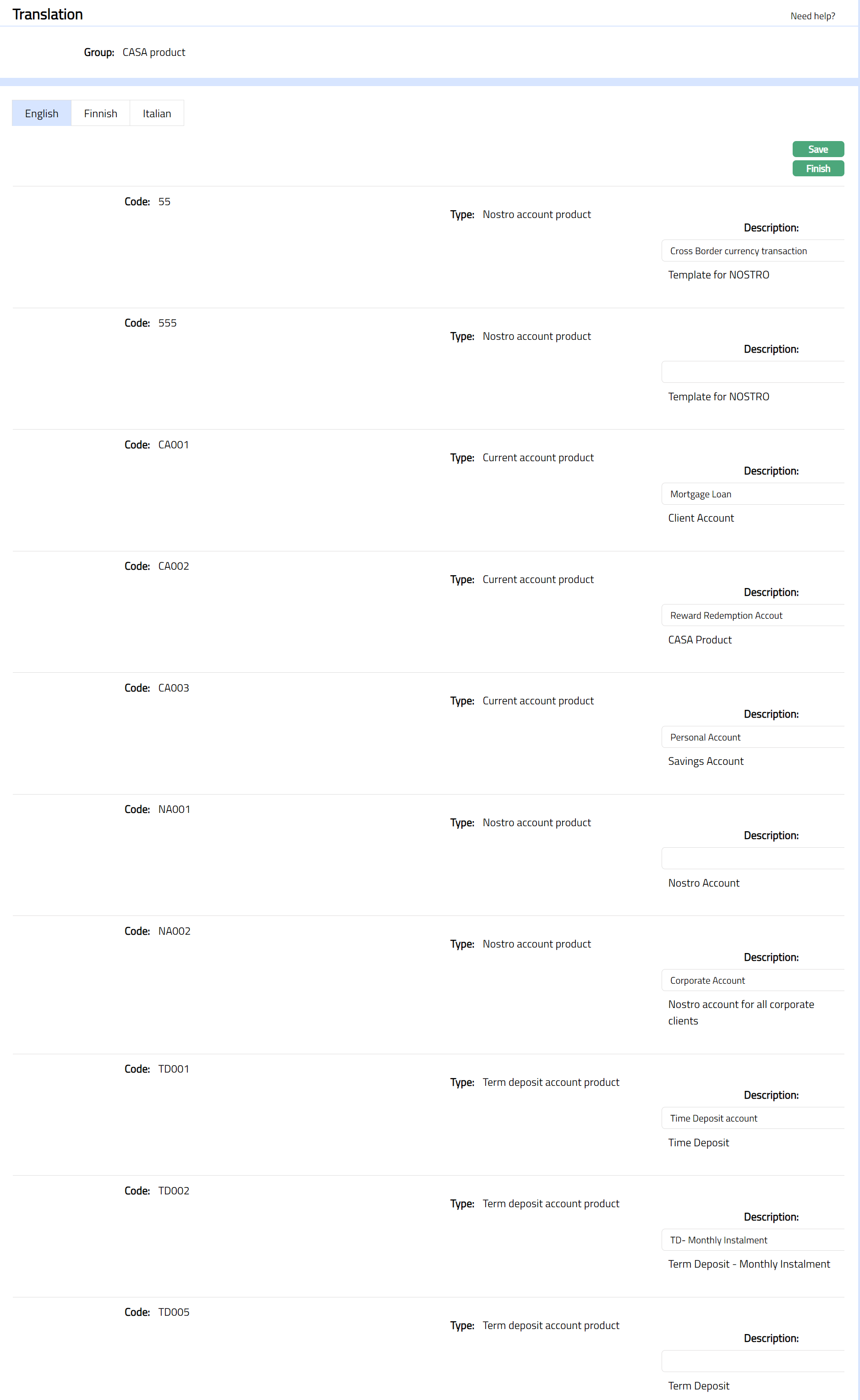
- Click Save and then Finish. The added descriptions are saved under Aura-Data.