
Active Sessions
Active sessions menu allows you to view all active sessions and terminate selected active user session(s) in Aura, provided you have been authorized (during User creation) to perform such a function.
Using this function, you can select any or all the Users who are currently logged into the system and terminate the respective session(s).
Terminating Active Session
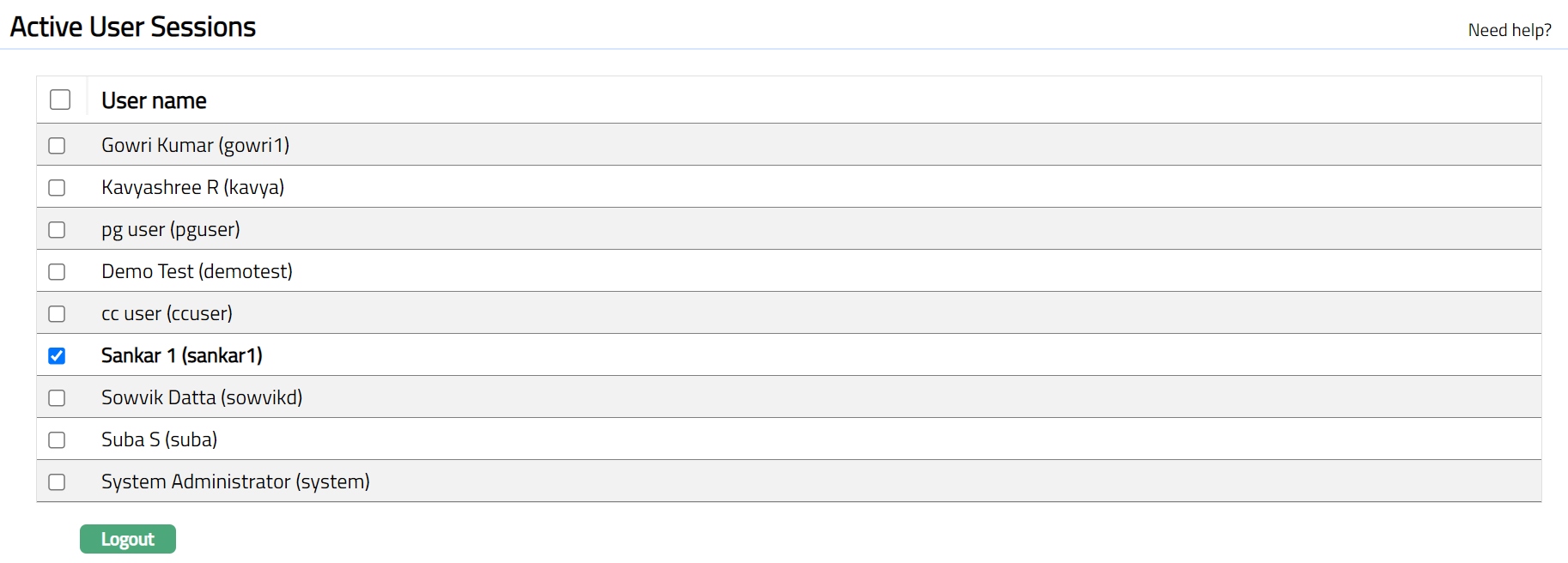
From Admin menu, click Users, then Active sessions. Active Users page appears. All other user sessions that are currently logged into Aura (except your own) appear on the page.
Select checkbox next to the relevant Username / names. Click Logout to terminate the selected user active session / sessions.
Once done, the selected user / users will not be allowed to carry out further operations in Aura until he / she / they re-login to the system.
Terminating all Active Sessions
From Admin menu, click Users, then Active sessions. Active User Sessions page appears. All other user sessions that are currently logged into Aura (except your own) are displayed on the page.
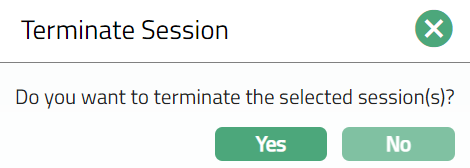
Select Username checkbox located on the header row to automatically select all active users. Click Logout to discontinue all user active sessions. When you click on logout button, Aura displays an alert message. On confirmation Aura will logout the selected user.
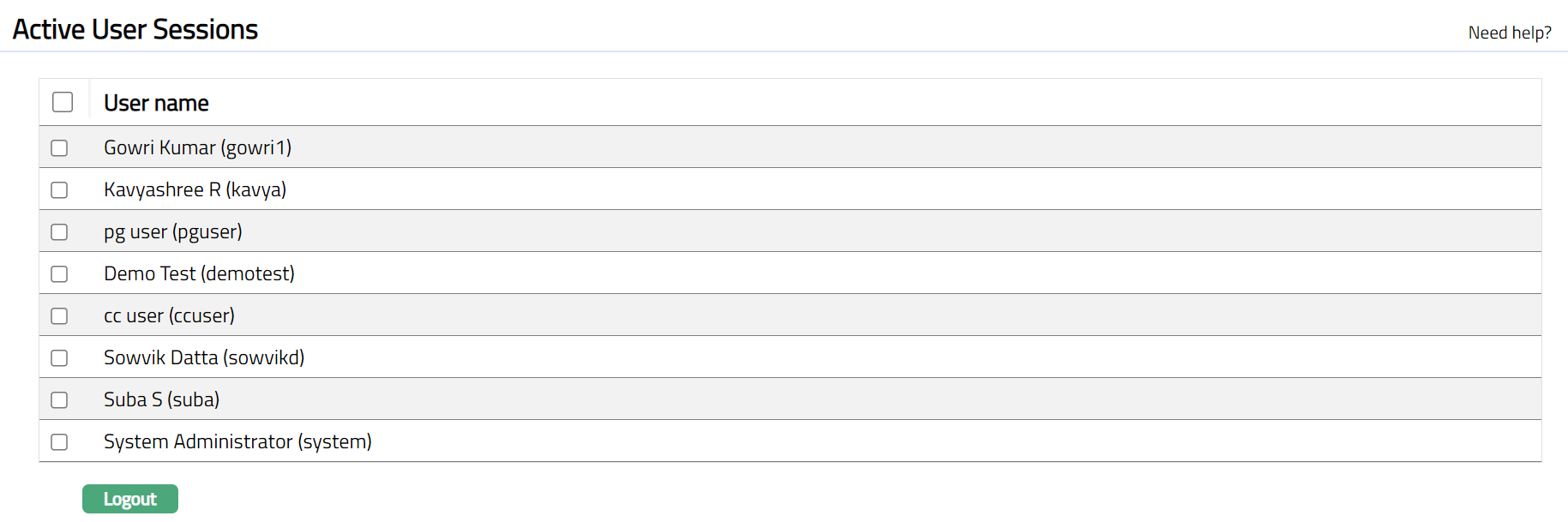
- Once done, selected user/users will not be allowed to carry out further operations in Aura until they re-login to the system.
 Function: Logout