
Audit Log
Audit Log is a report that generates detail log for audit purpose of a specific User who has logged into the application.
To generate Audit Log report.
- From Admin menu, click Reports and then **Audit Log. Audit Log page will appear
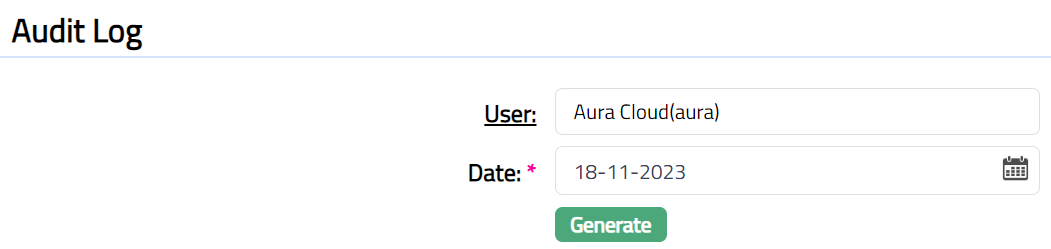
Function: Generate
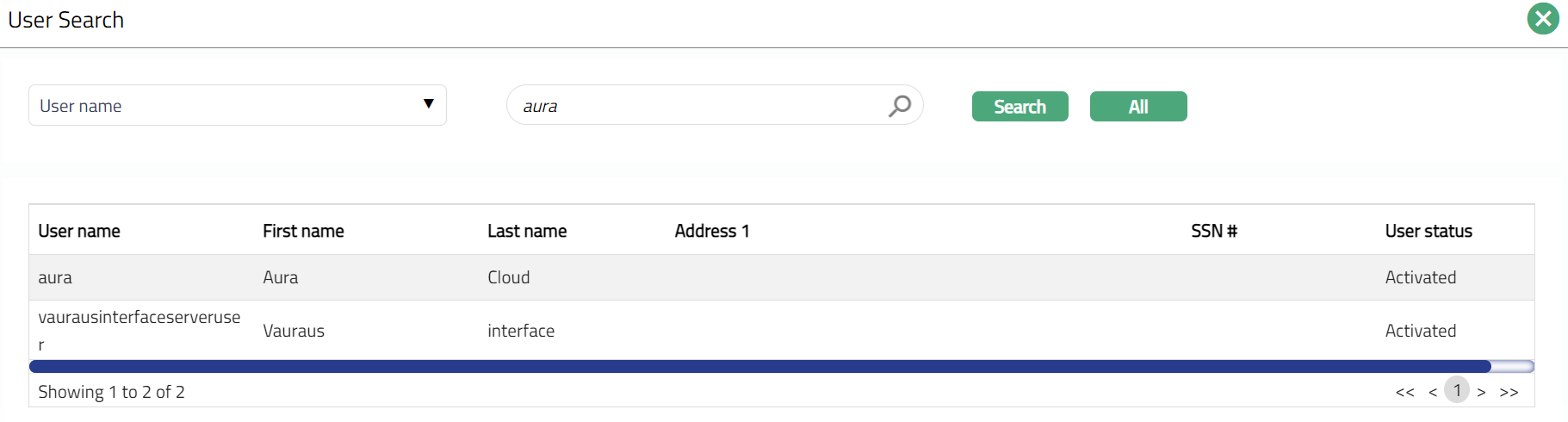
- Click User hyperlink. User Search page appears with the list of Active users maintained under Admin > User > Maintain. You can search for a user with relevant criteria and select the required user for whom the log report has to be generated. Alternatively, you can type in the name of the user and choose the relevant user from the list suggested by Aura. Sample screen shot shown below.
By default, Aura will display the user's logged date in Date. You can still change the date based on your requirement by clicking on the calendar. Note: You can either enter the date manually or select using the calendar. Aura will validate the date format against the format maintained at Entity maintenance > Regional > Date format. By default, current business date -- 1 is displayed. Date should not be greater than current business date.
Click Generate button. Required log file gets downloaded in Excel format. Sample screen shot shown below.
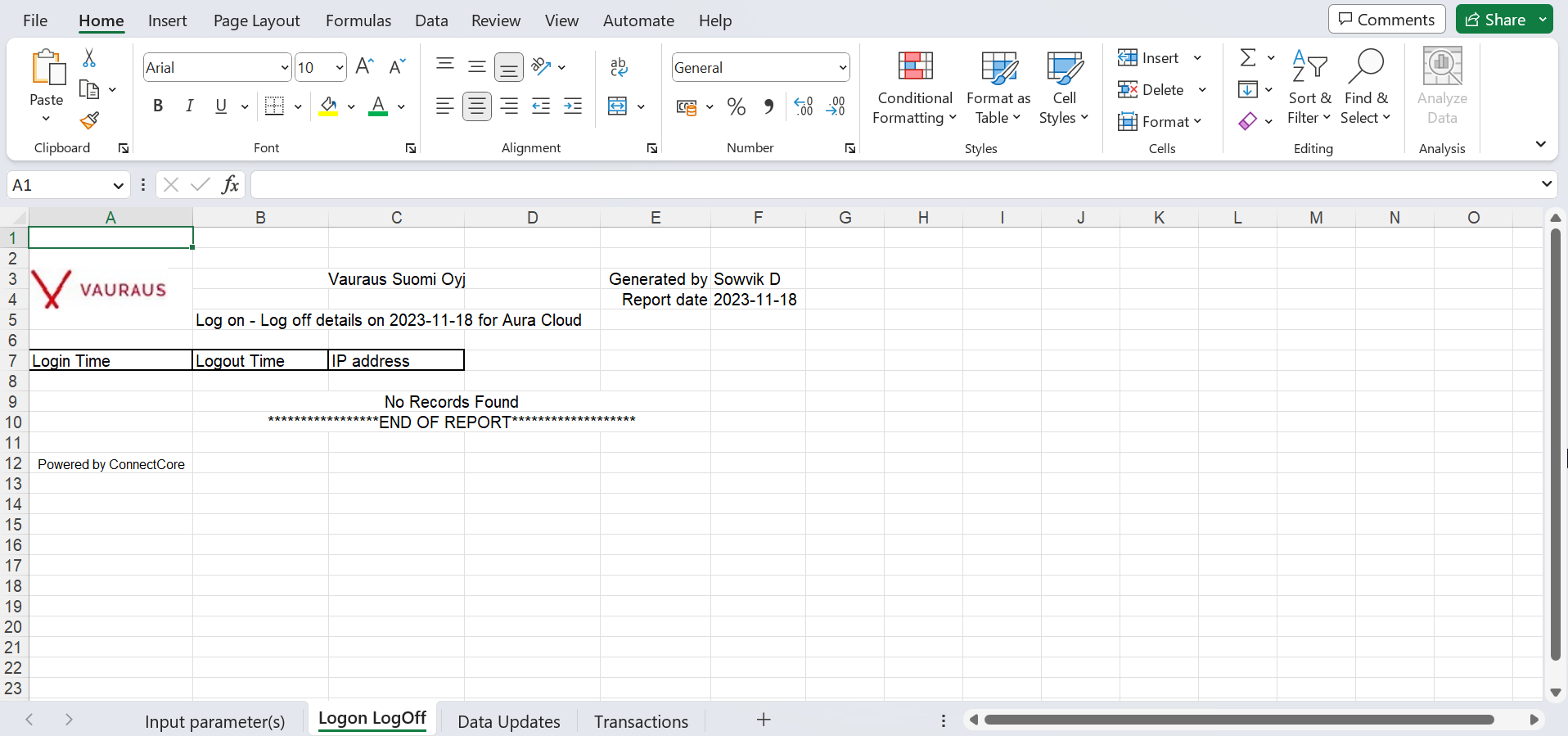
OR
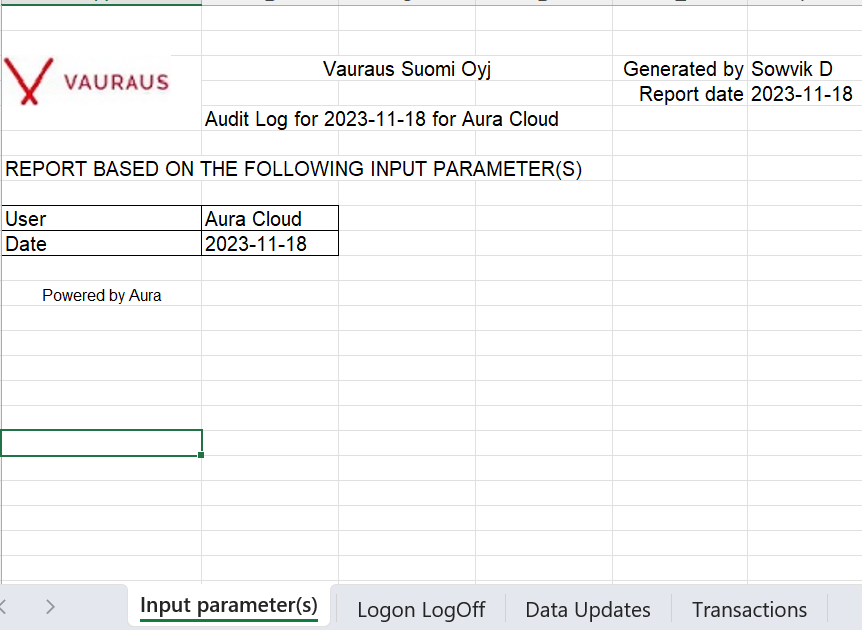
Audit Log report will contain the following pages:
Input parameter(s)
Logon Logoff
Data Updated
Transactions